Local Operation 5
Keysight J7201A/B/C Operating and Service Manual 45
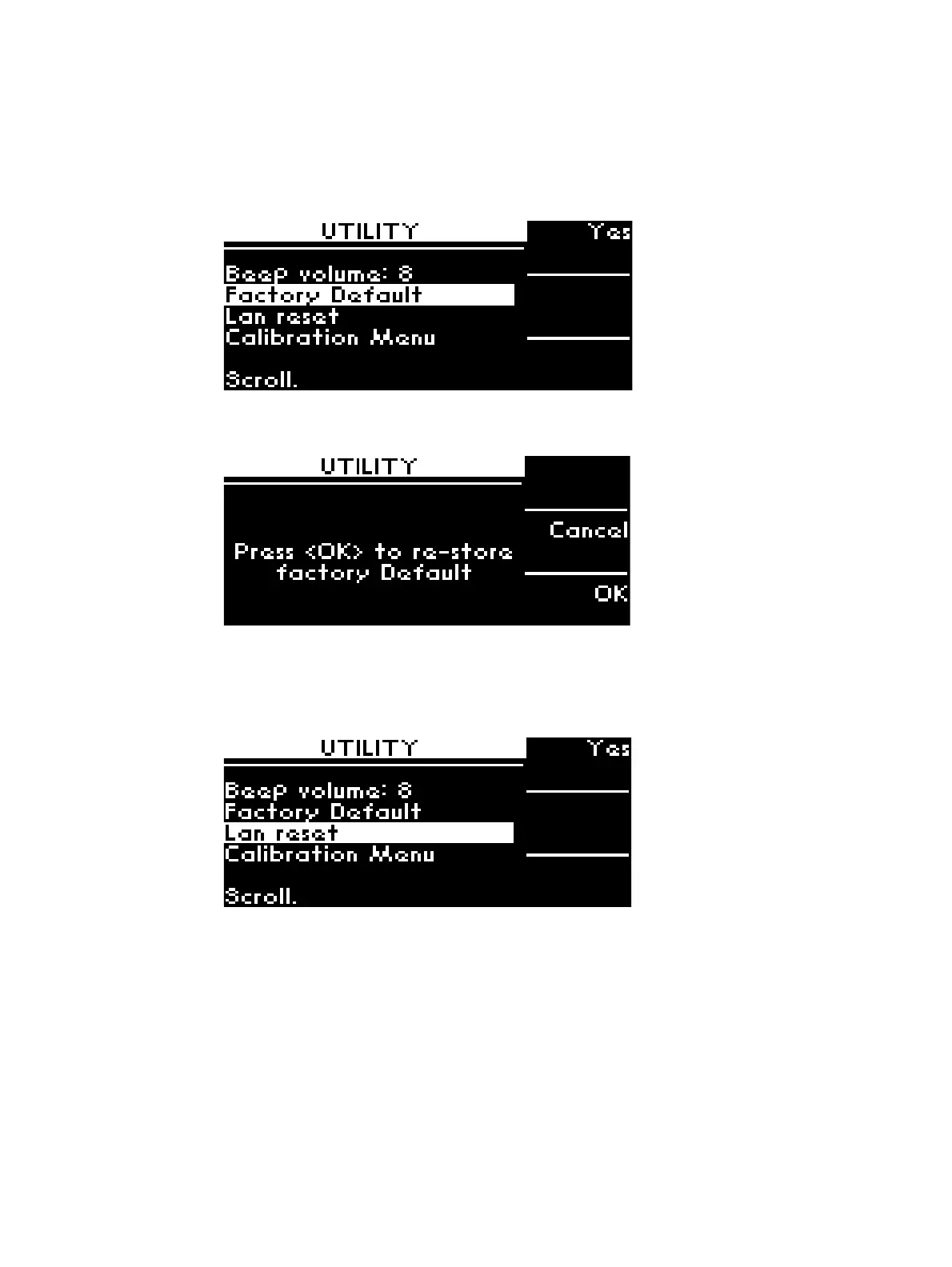
Restore Factory Default Setting
To restore factory default setting for J7201A/B/C:
1 Scroll to highlight Factory Default. This option resets the J7201A/B/C to the default setting.
2 Press Yes softkey once and OK for restoring the instrument to the factory default. Otherwise,
press Cancel softkey for cancellation.
Reset LAN Setting
To reset LAN setting for J7201A/B/C:
1 Scroll to LAN reset.
2 Press Yes softkey once and OK to reset the LAN setting of the instrument. Otherwise, press
Cancel softkey for cancellation.



 To Next Page