5 Local Operation
46 Keysight J7201A/B/C Operating and Service Manual
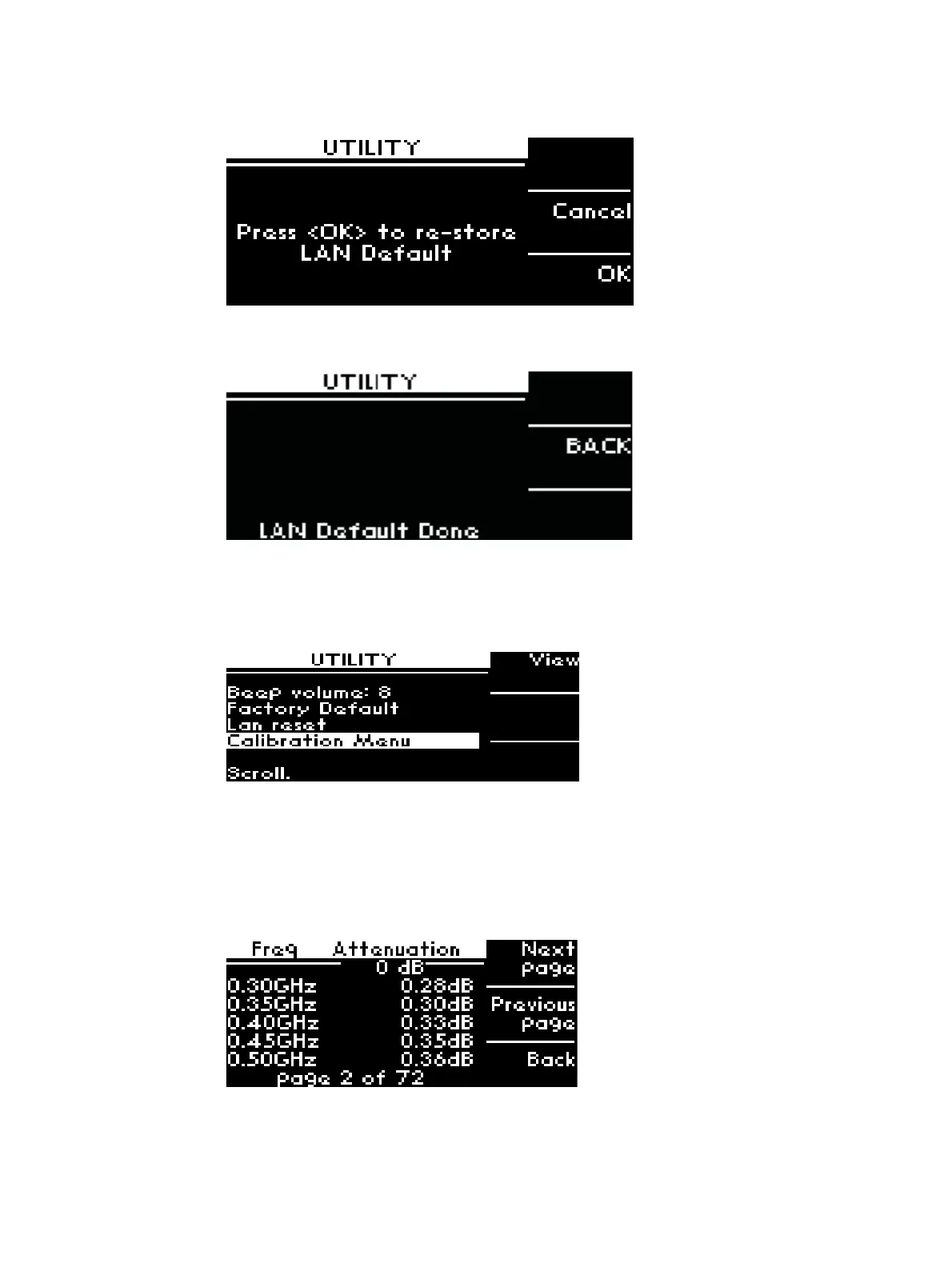
3 If OK is selected, a message “LAN Default Done” appears indicating that the LAN setting of the
instrument has been reset. Press BACK to return to the initial menu page.
Display Calibration Data
To display calibration data for J7201A/B/C:
1 Scroll down to highlight Calibration Menu and press Yes softkey once.
2 The screen displays all attenuation values at particular frequencies.
3 You can also flip by pressing Next page; Previous page; and Back to the main menu by using
the softkeys.
4 The bottom of the screen shows which page you are at and total pages for calibration data.



 To Next Page