12 N5186A MXG and X-Series SA Measurement Guide
Basic Measurements
Making Measurements
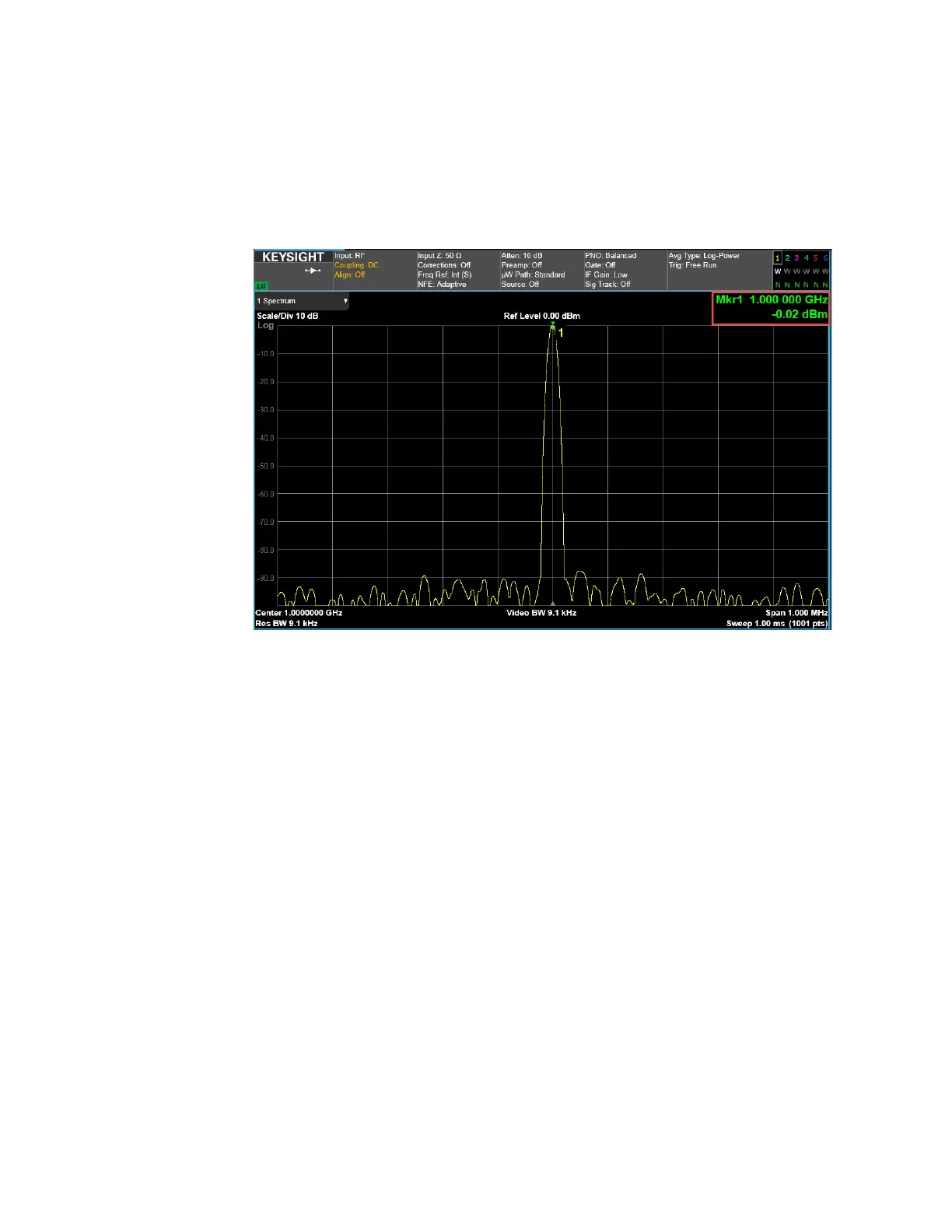
2. From the Menu Panel, select Frequency and set Center Frequency to
1 GHz and Span to 1 MHz.
3. Select Peak Search.
Observe the accuracy of the amplitude and frequency of the signal.
On the MXG:
1. Set Output 1 Power to –90 dBm.
2. Ensure that RF Out is On.
On the Signal Analyzer:
1. Select Amplitude and set Ref Level to –70 dBm and Scale/Div 5 dB.
2. Select BW and set Video BW to 300 Hz.
3. Select Peak Search.



 To Next Page