N5186A MXG and X-Series SA Measurement Guide 23
Basic Measurements
Making Measurements
This enables the RF Out for the indicated channels, in this case Channel 1
if using a multi-channel MXG.
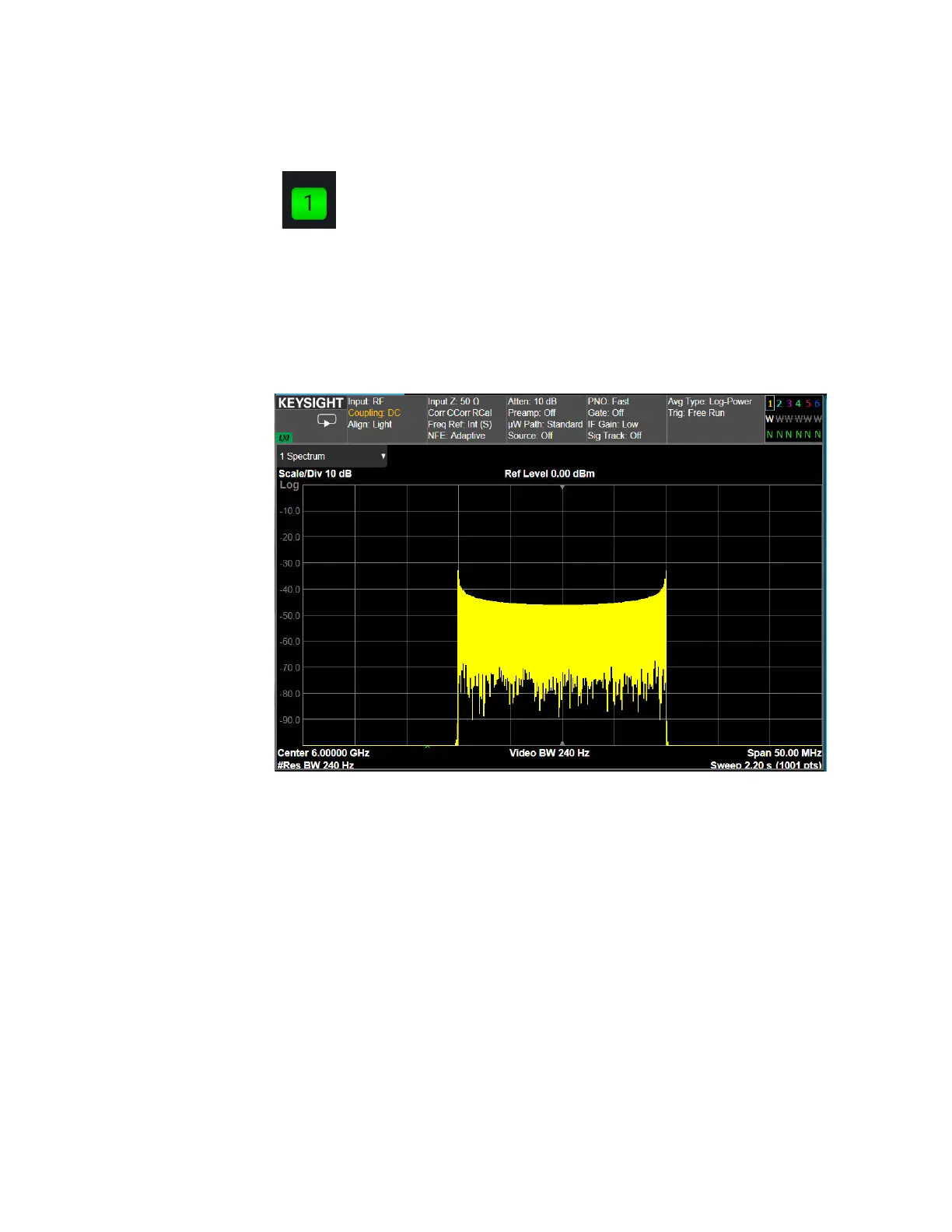
On the Signal Analyzer:
1. Select Mode Preset to set Spectrum Analyzer mode to a known state.
2. Select Frequency and set Center Frequency to 6 GHz and Span to
50 MHz.
3. Select BW and set Res BW to 240 Hz.
Using the equivalent SCPI commands
On the MXG:
SYSTem:PRESet
RF1:FREQuency:CW 6GHZ
RF1:POWer:AMPLitude 0dBm
SIGNal:MODE AMODulation
SIGNal1:AMODulation:TYPE FM
SIGNal1:FM:SHAPe SINE
SIGNal1:FM:FREQuency 400HZ
SIGNal1:FM 10MHZ



 To Next Page