N5186A MXG and X-Series SA Measurement Guide 41
Corrections
Corrections/De-embedding Using PathWave E7653APPC Software
TIP An s2p example file is included on the MXG. Go to
/Examples/simpleAt3GHzInDB.s2p
2. Select Preset > Preset to set the instrument to a known state.
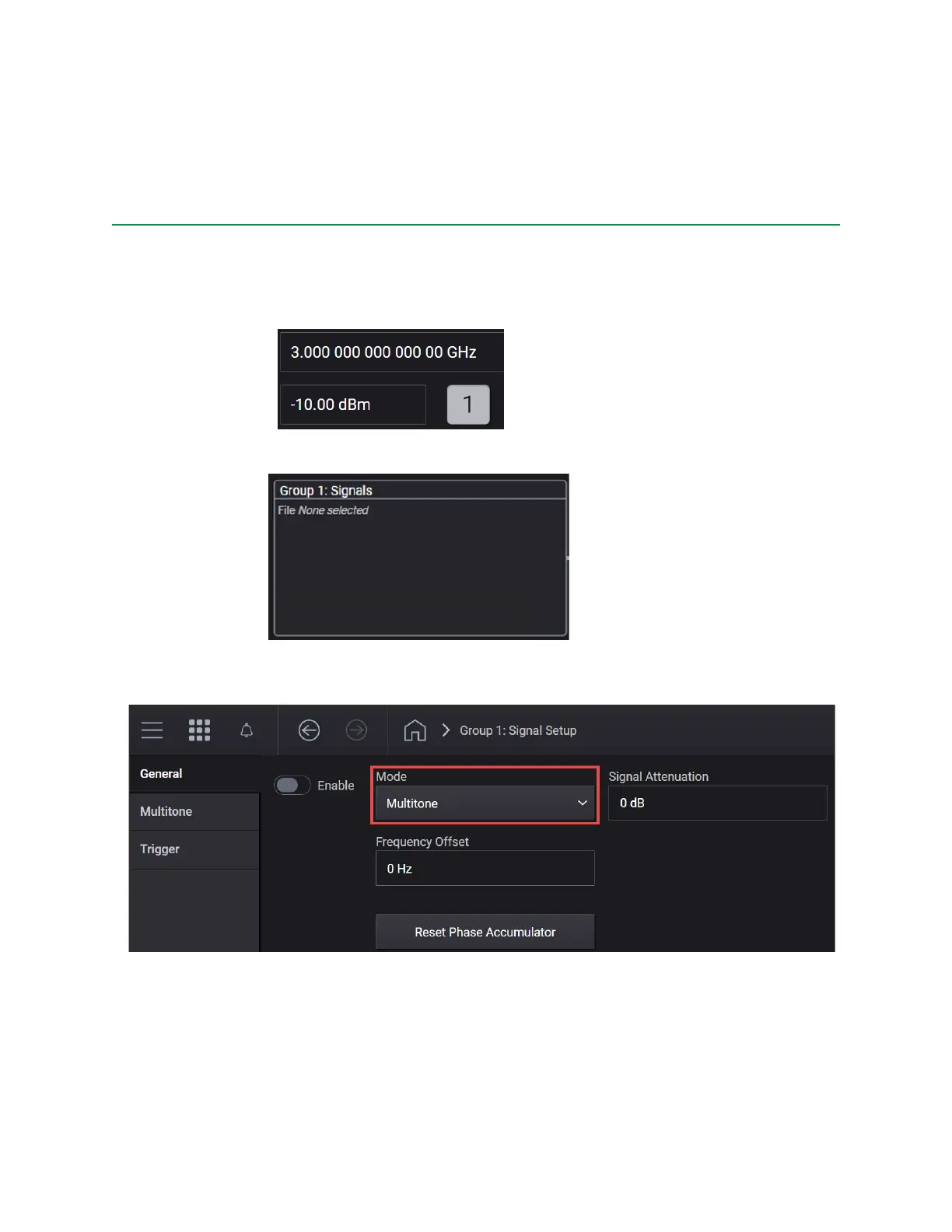
3. In the MXG Output area, set the Frequency to 3 GHz and Power to
–10 dBm.
4. Select the Group 1: Signals block to open.
5. Select the Mode dropdown and select Multitone:
6. From the left pane, select Multitone and set:
— Tones to 21 > x1



 To Next Page