42 N5186A MXG and X-Series SA Measurement Guide
Corrections
Corrections/De-embedding Using PathWave E7653APPC Software
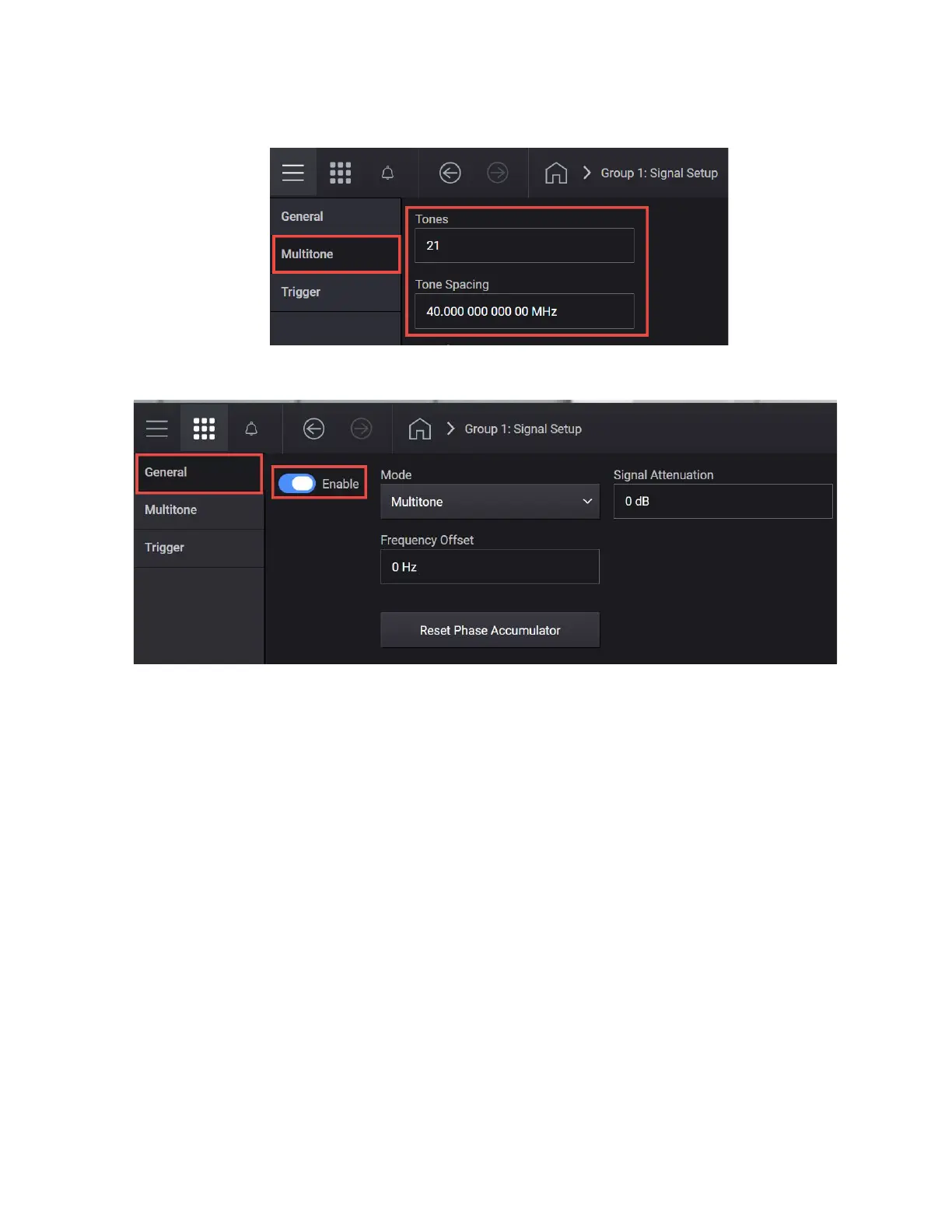
— Tone Spacing to 40 MHz
7. Select the General tab > Enable.
8. Close the Signal block by selecting the Home icon, and then select RF Out
channel number to turn on.
9. On the X-Series Signal Analyzer spectrum analyzer in Spectrum Analyzer
Mode:
— Select Mode Preset to set Spectrum Analyzer mode to a known
state.
— Set the Center to 3 GHz



 To Next Page