N5186A MXG and X-Series SA Measurement Guide 65
5G New Radio (NR) Measurements
5G Waveform, EVM, and ACP Analysis
Demodulate the Waveform Using the X-Series Signal Analyzer
Embedded Application
1. On the signal analyzer, select Mode/Meas > 5G NR & V2X mode.
2. Select Mode Preset to set 5G NR mode to a known state.
3. Select Mode/Meas > 5G NR V2X Mode > Modulation Analysis
Measurement.
4. Select Recall (If accessing the signal analyzer remotely, select the Folder
icon at the bottom of the display) Demod Info > Set Data Type to CC Setup
> Recall From >
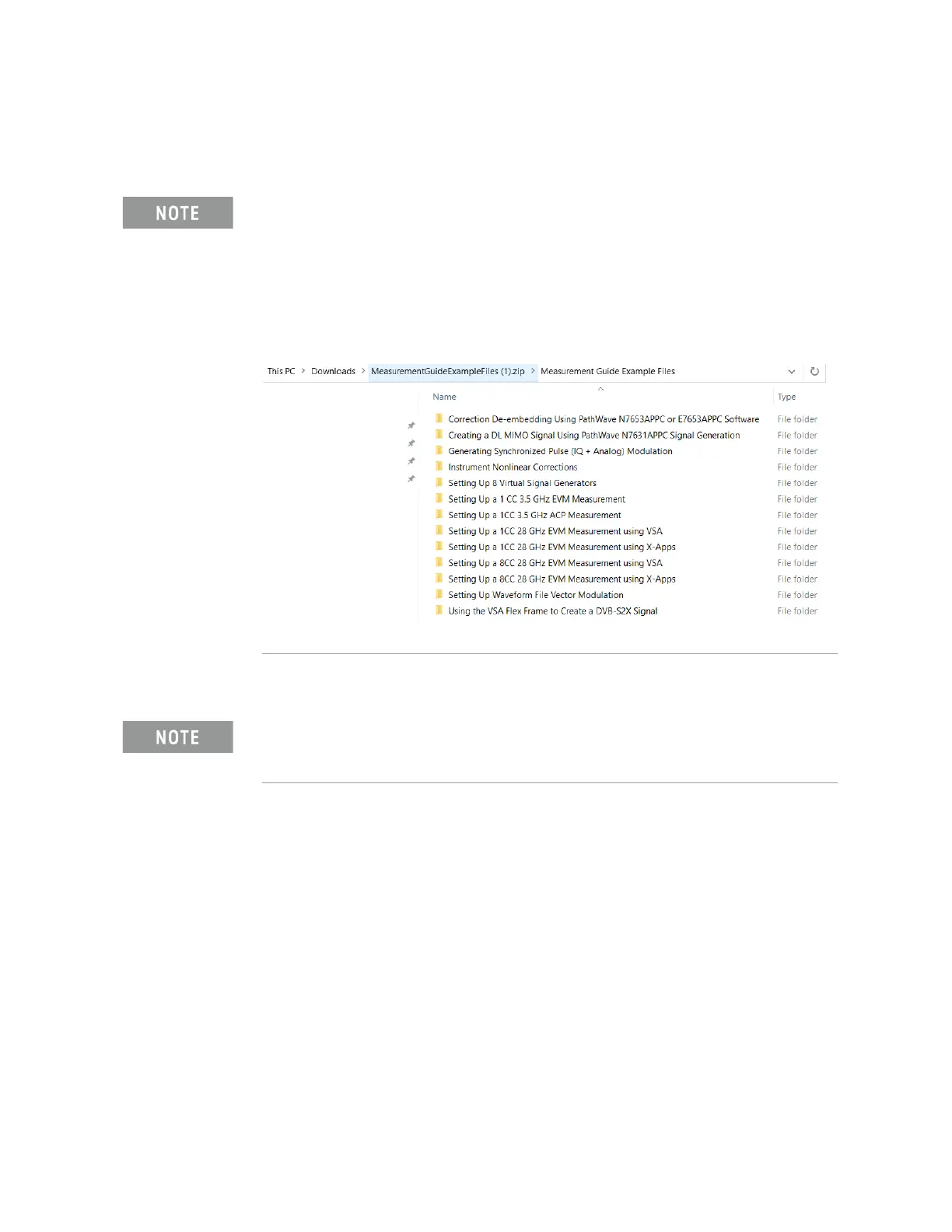
You will need to copy the setup files to the X-Series Signal Analyzer or the
PC running the VSA application. Go to:
https://www.keysight.com/us/en/lib/software-detail/instrument-firmwar
e-software/measurement-guide-example-files.html
Select Download and wait for the zip file to finish downloading to your
Downloads folder. This may take a few minutes as it is a 2 GB file. You will
find the setup file(s) under the applicable Measurement name.
If accessing the instrument via a Remote Desktop connection, select the
Screen tab (at the top of the display) to open the
Mode/Measurement/View Selector window.



 To Next Page