SRA Smart Reflow Analyzer Hardware Guide SRA-330200-000
10
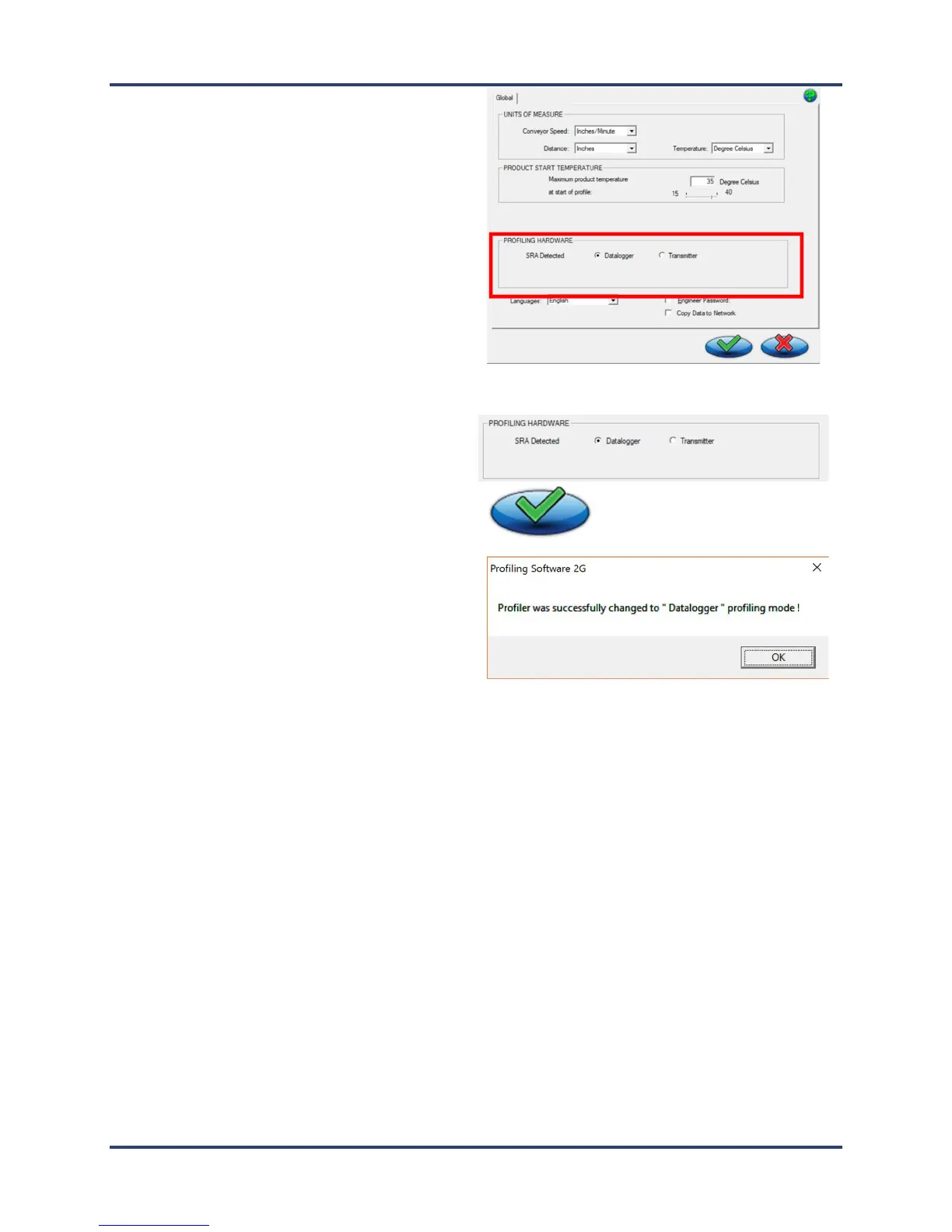
5. The software shows the SRA as detected in the
Profiling Hardware panel and displays radio button
choices for specifying the communication mode.
6. Click the radio button for Datalogger, followed by
the Save (green check) button:
7. Click OK on the message boxes (no messages
appear if the Datalogger radio button was already
selected).
You are returned to the Main screen.



 To Next Page