SRA Smart Reflow Analyzer Hardware Guide SRA-330200-000
14
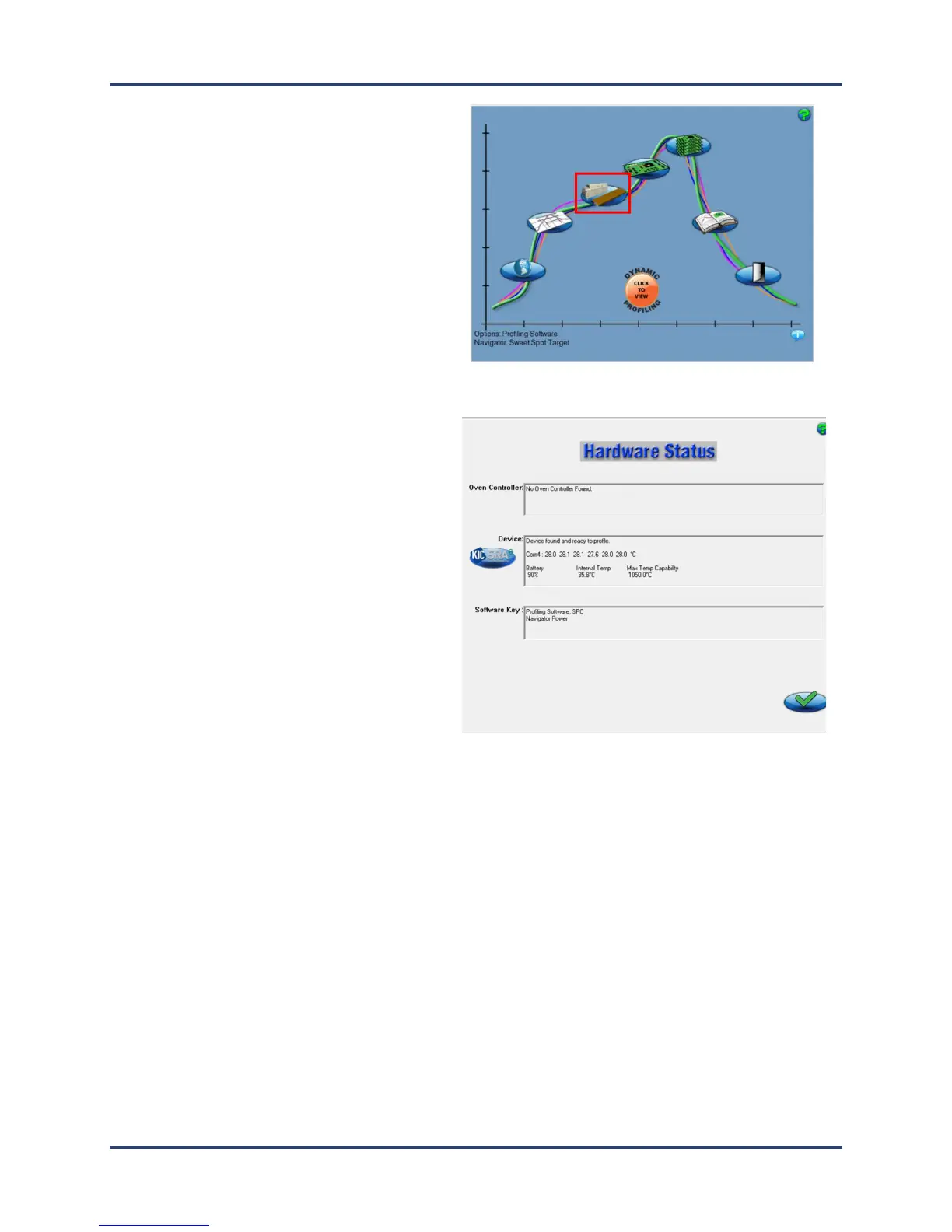
12. When the Main screen appears, click the
Hardware Status button.
13. The Hardware Status screen appears, showing
the status of the device, and confirming that the
software is receiving the live Wi-Fi signal from
the SRA.
Note: The Device panel displays live
temperature values and the current battery
voltage. TC connections display the live
temperature or appear as open (opn) if there is
no reading from that TC.



 To Next Page