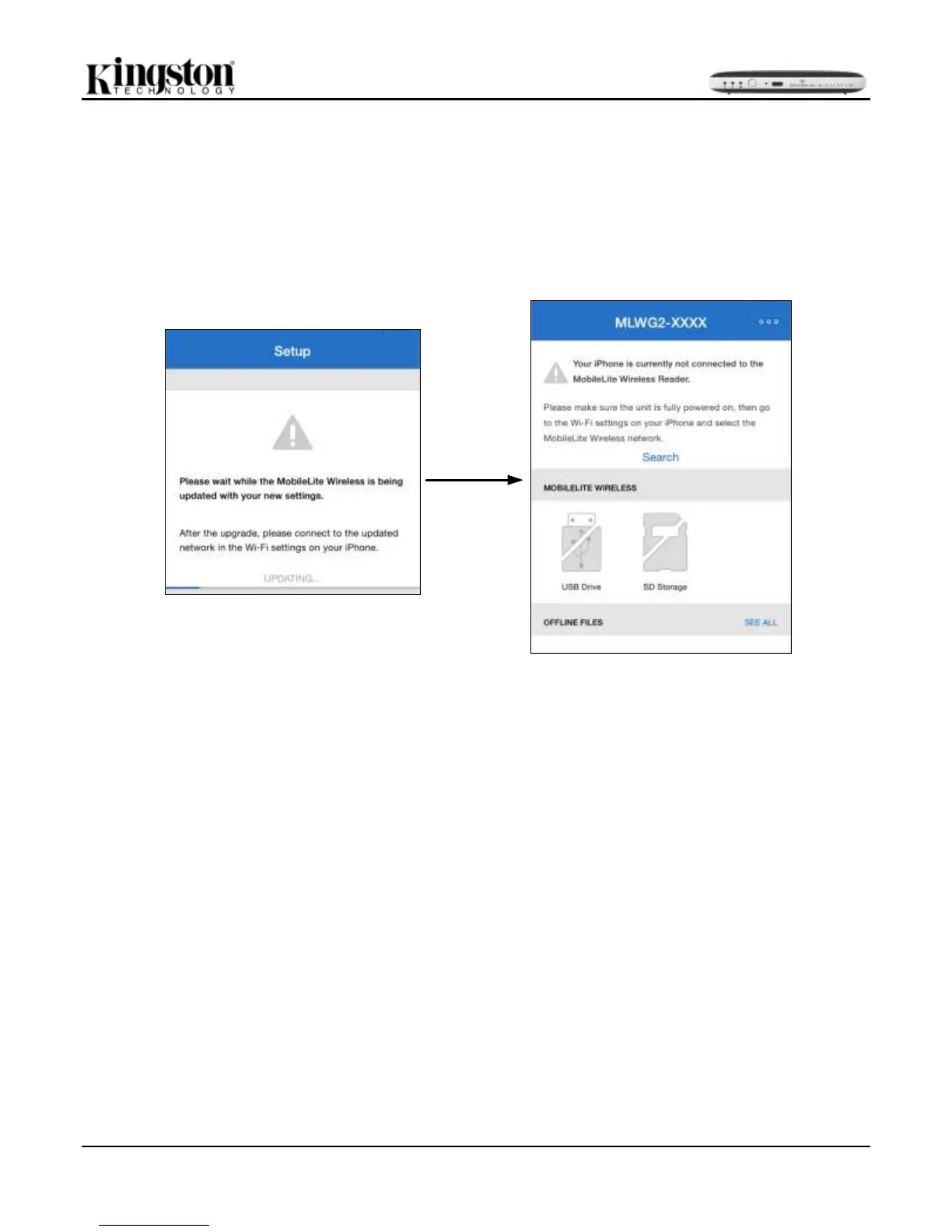
If any changes were made during the setup process, the device will begin to update. See Figure 11.2.
Alternatively, if no changes were made, you will be taken to the home screen and you move ahead for further
instructions.
Once the update process is complete the next screen will prompt the user to connect to the MobileLite Wireless
G2 using the Wi-Fi setting on the iOS device. See Figure 11.2.



 To Next Page