Document No. 480-16FUM-002.A00
Kingston MobileLite Wireless G2
Accessing the Contents Using an Internet Browser
The MobileLite Wireless Reader has the option to view the contents on the USB/SD device from a computer
wirelessly using the computer’s Wi-Fi.
1. On your computer’s network settings, connect to the MLWG2
2. Open a supported web browsers (Chrome, Firefox, Internet Explorer,
Safari)
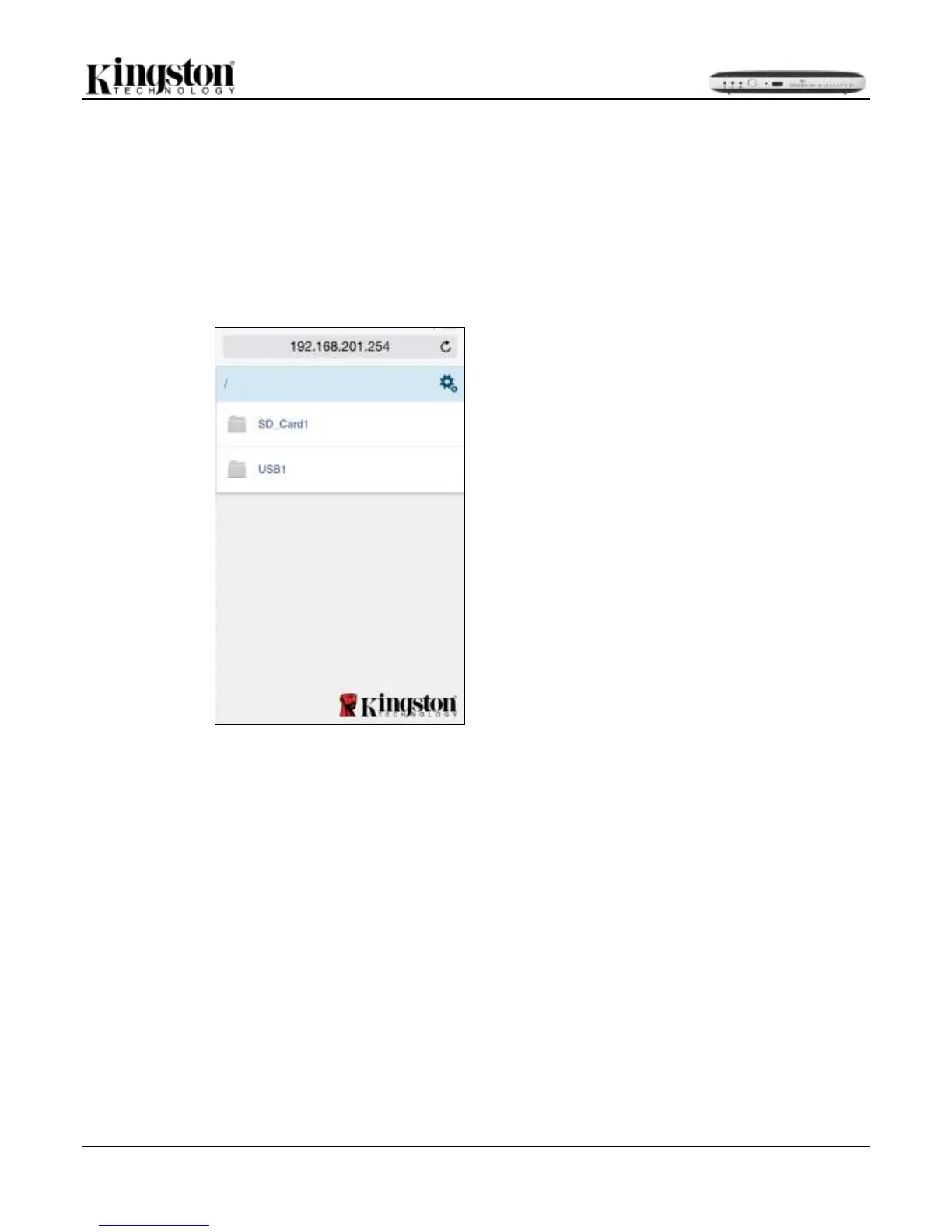
3. In the address bar type in 192.168.201.254
4. You can now access your content to and from your MLWG2. See Figure 25.1
Figure 25.1 – Internet browser



 To Previous Page