Document No. 480-16FUM-002.A00
Kingston MobileLite Wireless G2
Installing the Kingston MobileLite Application
To configure the MobileLite Wireless G2, you must first install the Kingston MobileLite App to your iOS device
from the on-line App Store (Internet access required). The Kingston MobileLite App is free and allows you to
customize the wireless network settings and wirelessly access the content you’ve uploaded to your SD/USB
device connected to MobileLite Wireless G2. To install the App, please follow these steps:
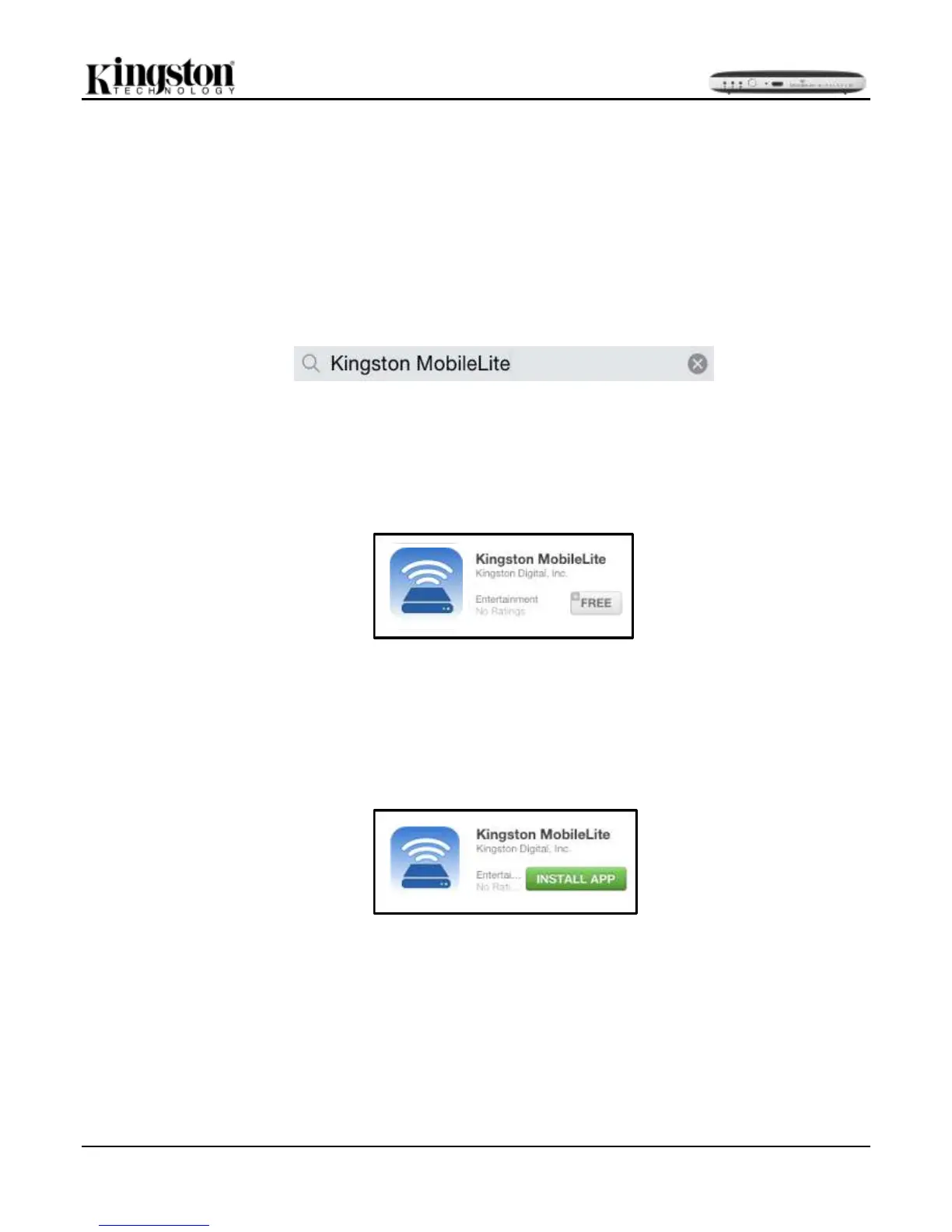
1. Open the App Store from your iPad, iPhone, or iPod touch device and search for "Kingston MobileLite.”
See Figure 7.1 below. The App Store may return multiple results to your search, be sure to select
Kingston MobileLite.
Figure 7.1 – App Store Search
2. After locating the Kingston MobileLite App that corresponds to your device, i.e. Kingston MobileLite App
for iPad, for iPhone, iPod touch, etc. by Kingston Digital, Inc., tap the ‘FREE’ button link. See Figure
7.2.
Figure 7.2 – Kingston MobileLite App by Kingston Digital, ‘FREE’
3. After selecting ‘FREE,’ the grey button will turn green and change to ‘INSTALL APP.’ Select this button to
complete the installation of the Kingston MobileLite App to your device. See Figure 7.3.
Figure 7.3 – Kingston MobileLite App by Kingston Digital, ‘INSTALL APP’
Once the App has been installed, you may exit the App Store and proceed to the next section of this manual.



 To Next Page