Document No. 480-16FUM-002.A00
Kingston MobileLite Wireless G2
Requirements:
(As a local Card Reader) Computer running Windows
®
8.1, Windows
®
8, Windows
®
7, Windows Vista
®
(SP2), Mac OS X (10.7.x+), Linux (v.2.6+ kernel) operating system
iOS Mobile devices running iOS 7 and 8
iOS Mobile devices with Internet access to the App Store (required to install the Kingston MobileLite App)
Supported File Types (Non-DRM):
Audio: aac, mp3, wav
Video: m4v, mp4, mov
Image: bmp, jpeg, jpg, png
Docs: pdf, doc, docx, ppt, pptx, txt, rtf, xls, xlsx
Charging the MobileLite Wireless
We urge you to fully charge the MLWG2 before you begin to use it. This can take up to three hours. The
MLWG2 can be charged with a computer’s USB port, or a USB power adapter (minimum 1.2A), using the
included Micro-B USB Cable
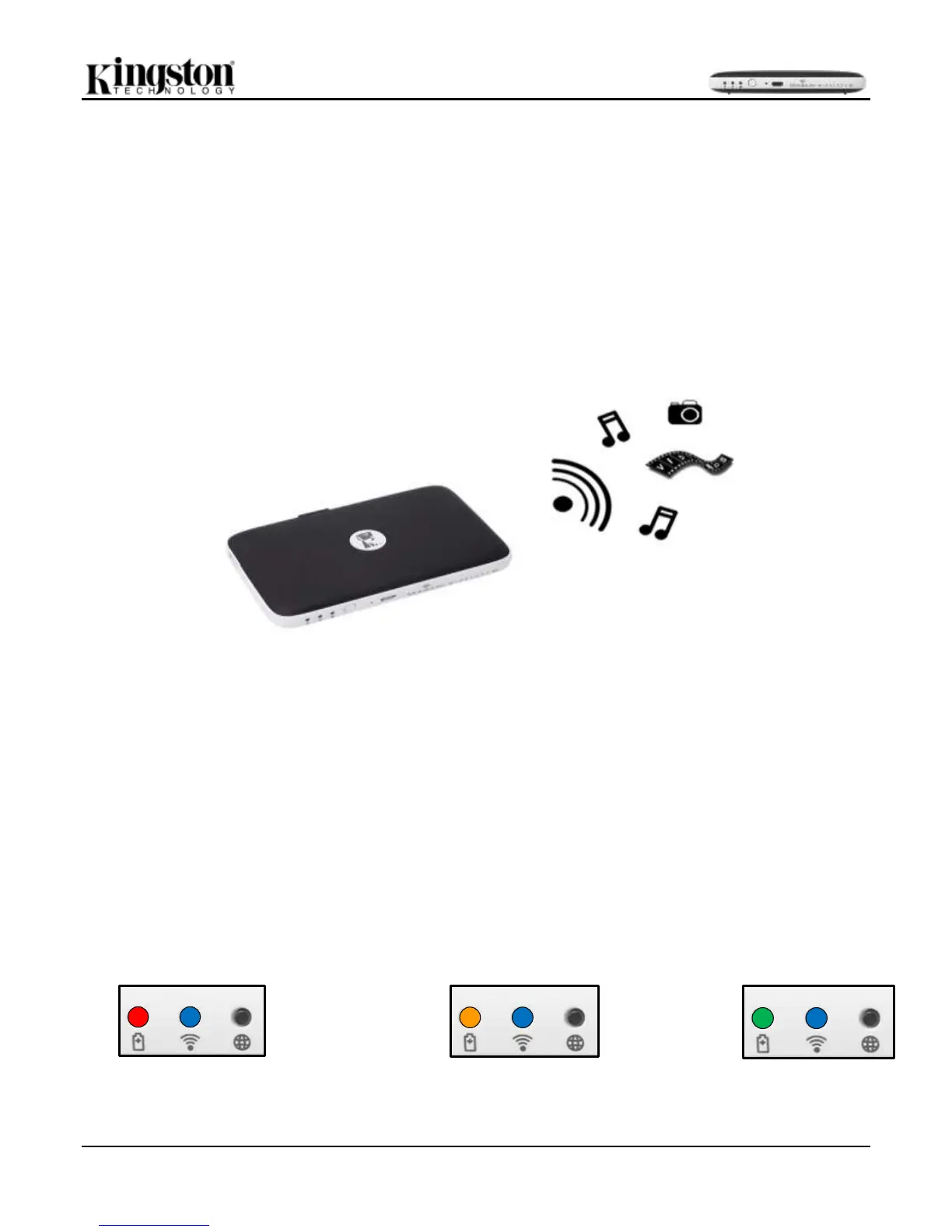
Battery LED
The battery indicator light on the front of the MLWG2 indicates the current battery strength and tells you whether
the MLWG2 is charging when it’s connected to a computer or outlet. The battery indicator’s LED blinks when it is
charging and has a solid green LED when it is finished.
The battery LED also indicates how much battery time is left while the MobileLite Wireless G2 is powered on.
Green indicates 51% - 100% battery charge remaining; orange indicates 25% - 50% battery charge remaining;
and red indicates less than 25% battery charge remaining.
Less than 25% battery charge remaining
25%-50% battery charge remaining
51%-100% battery remaining



 To Next Page