Document No. 480-16FUM-002.A00
Kingston MobileLite Wireless G2
Accessing the Internet via the Ethernet Port (Access Point)
If you have a wired internet connection, you can plug an Ethernet cable to the Ethernet port on the Kingston
MobileLite Wireless G2. This would allow you to create a hotspot for wireless internet access. While connected
to the Ethernet bridge mode the Wi-Fi bridge mode will be disabled temporally until the Ethernet cable is
removed.
NOTE: Only compatible with DHCP.
Simply connect an Ethernet cable to the Ethernet port.
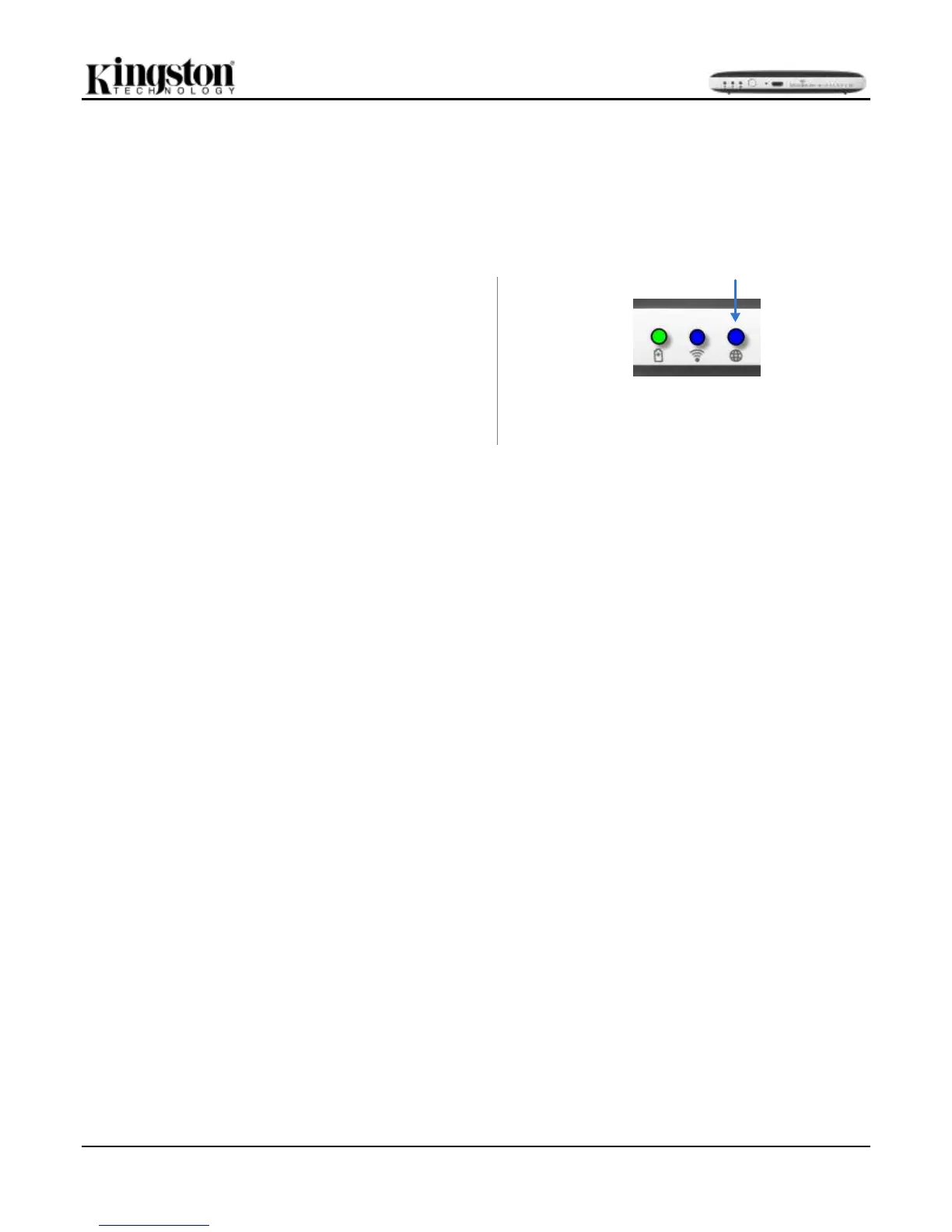
Check that bridge LED is ON to verify that you have a
successful connection to the router. See Figure 22.1.
If you haven’t already, make sure to connect to the
MLWG2 in your iOS device’s Wi-Fi settings.
Settings App --> Wi-Fi option --> Choose a Network -->
Select MLWG2-XXXX



 To Next Page