Document No. 480-16FUM-002.A00
Kingston MobileLite Wireless G2
… Continued
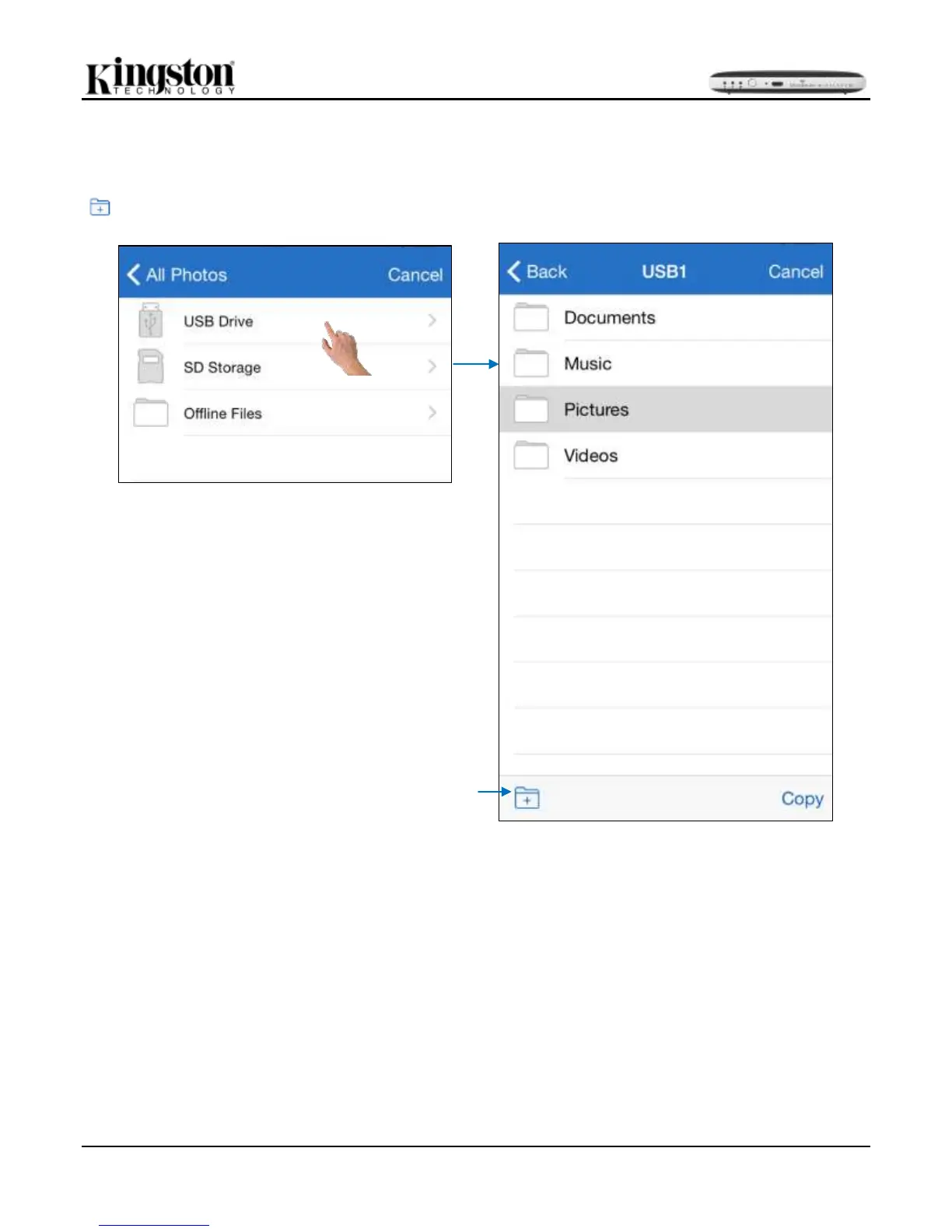
Step 3: Choose the destination and complete the process by selecting ‘Copy’. See Figure 14.1. Alternatively, a
new folder could be added to keep the pictures organized. A new folder could be created using the create folder
( ) icon. After naming the folder and selecting ‘Save’, the new folder will appear as a destination option.
Figure 14.1: Destination selection



 To Next Page