Chapter 2 Basic Operations 2-23
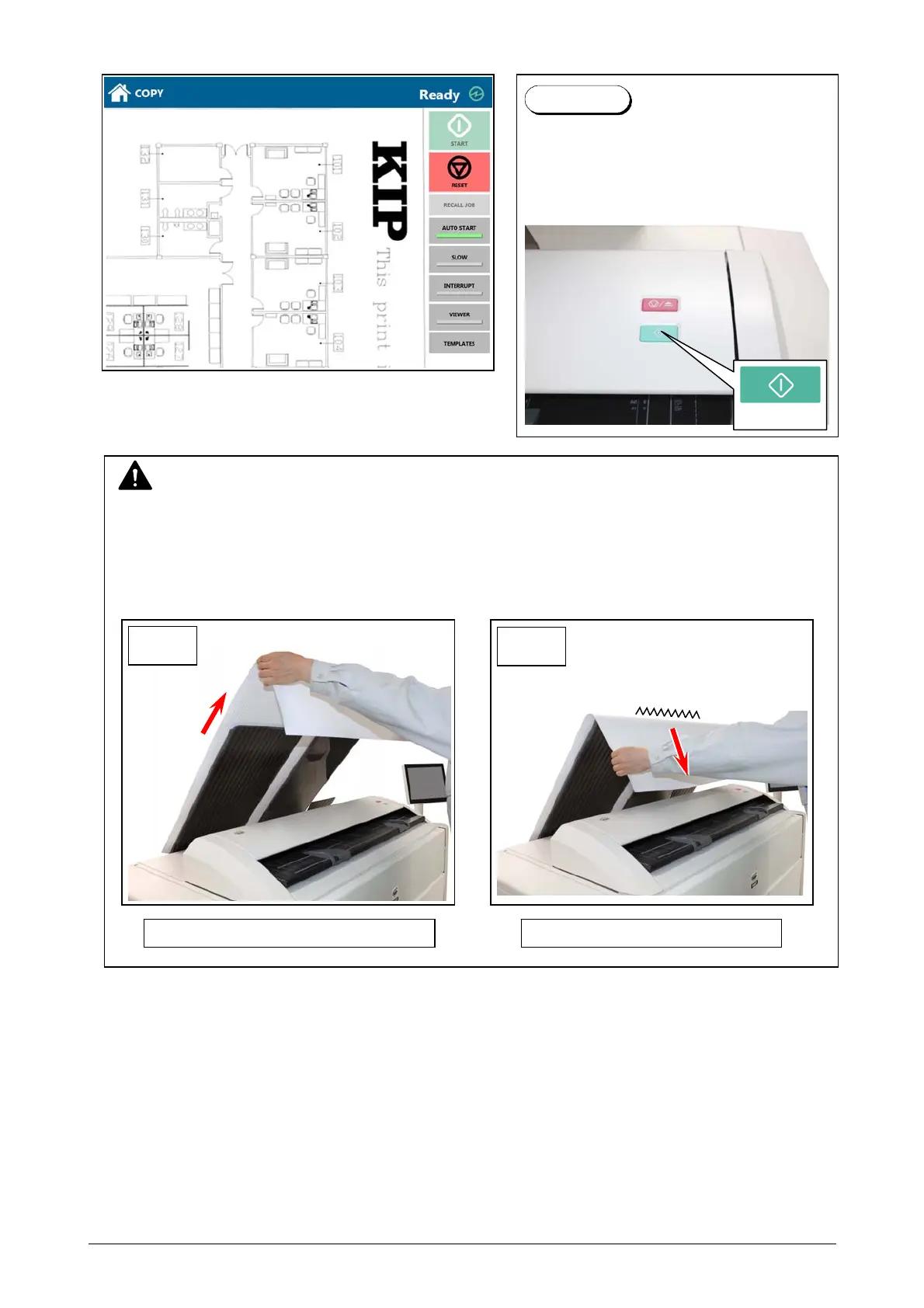
4. The KIP 660 will start the copy process.
For the front stacking, the printer will inform you of “Upper Bin Full” on exceeding capacity of
stacking. If the UI screen shows “Upper Bin Full”, remove all the prints on the print tray.
Pressing START button may be required to
start the scan according to the scanner’s
controller software.
For further details of “Auto Start”, see the
software’s document.
Reference
NOTE
(1) The scanner unit does not accept originals automatically during Sleep Mode.
Tap on the UI screen and then insert an original.
(2) For the front stacking, gently lift up the prints on the print tray to the arrow direction to avoid
rubbing the print surface. A large number of prints should be removed in several sheets.
Correct: Gently lift up and remove Wrong: Do not pull downward
Start Button
OK
NG



 To Next Page