Chapter 3 Error Correction 3-10
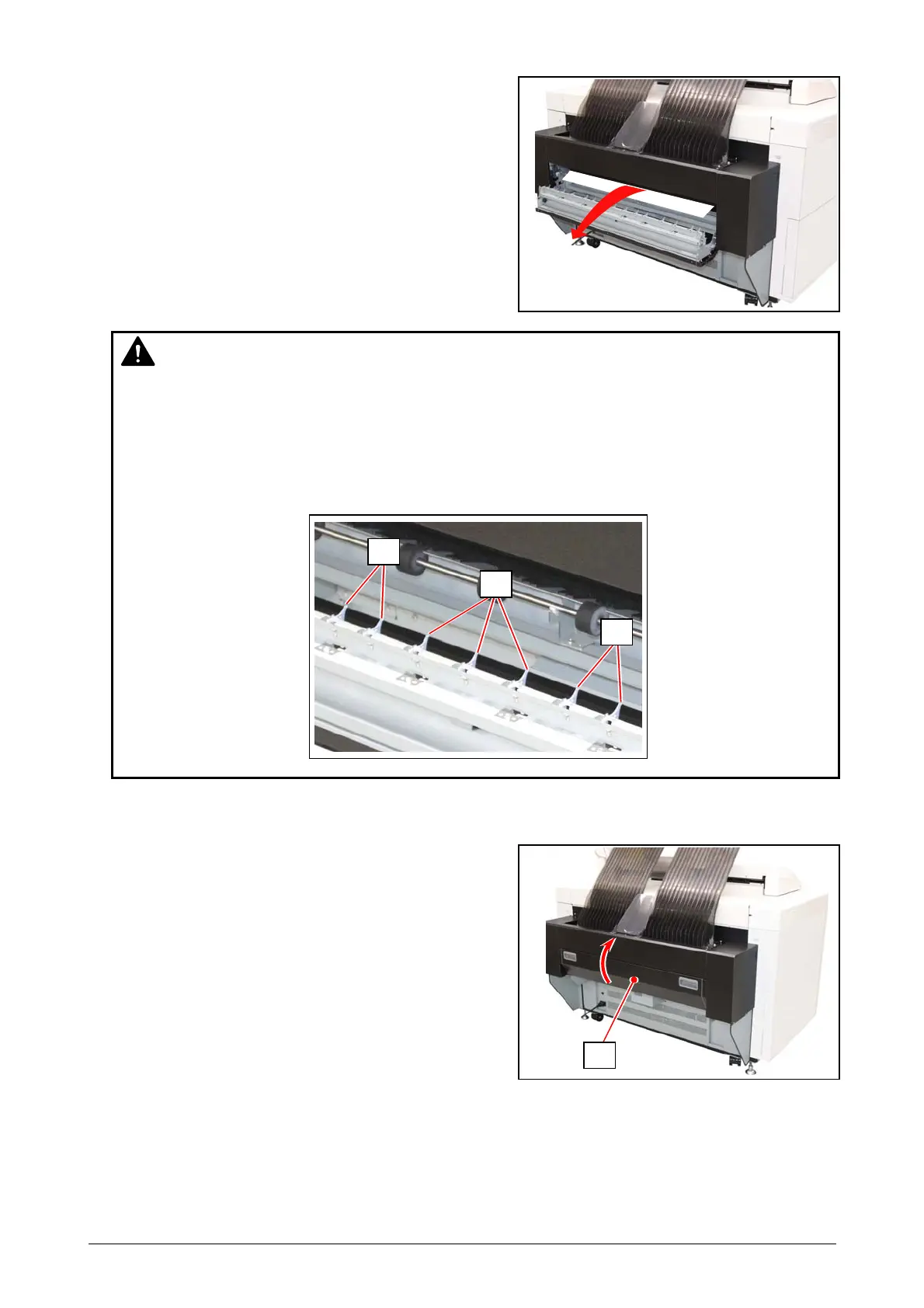
2. Pinch and gently pull and remove a jammed sheet toward you.
3. Close the Fuser Cover (1).
1
WARNING
(1) There are extremely hot parts inside the Fuser Unit. Do not touch any parts in the Fuser
Unit, or you will be burnt.
Also the mis-fed media can be very hot. Be careful not to get burnt when you remove it.
(2) The stripping claws (2) with a sharp edge are on the inside face of the Fuser Cover. Take
care not to get scratched on them when removing a sheet.
2
2
2



 To Next Page