Chapter 4 Maintenance 4-4
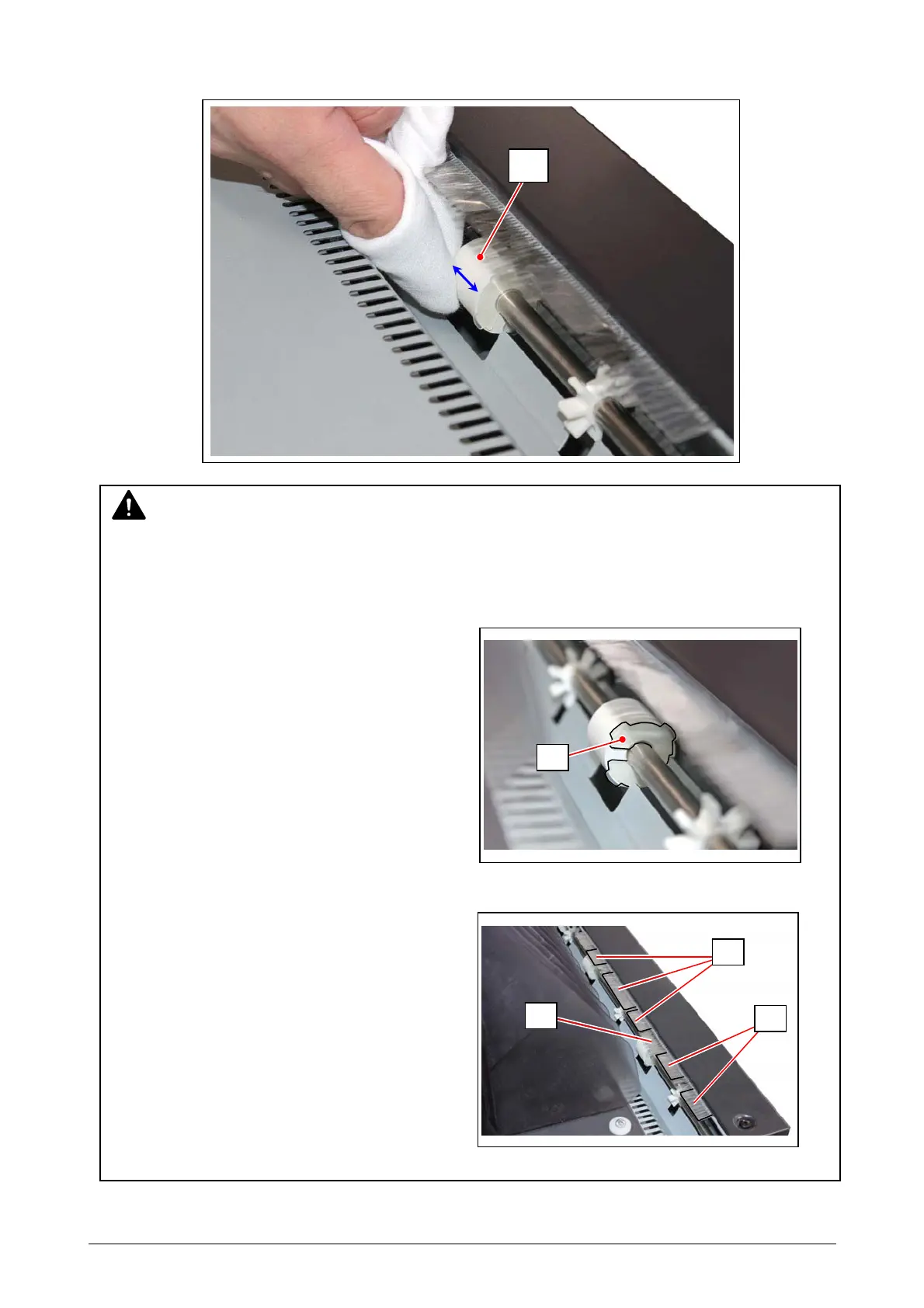
3. Clean 6 Exit Rollers (1) of the Paper Exit section to the arrow direction with the cloth which is
wrung out the water.
1
NOTE
1. Clean the Exit Rollers when they are cold; such as "before turning on the printer".
2. Carefully clean the Exit Rollers so as not to damage the Mylar (9) adhered to 4 Exit Rollers.
(There is no Mylar (9) on 2 Exit Rollers in the center.)
2. Carefully clean the Exit Rollers so as not to damage the Mylar (6) and the Discharging
Brush (7).
9
6
6
7



 To Next Page