Chapter 2 Basic Operation 2-8
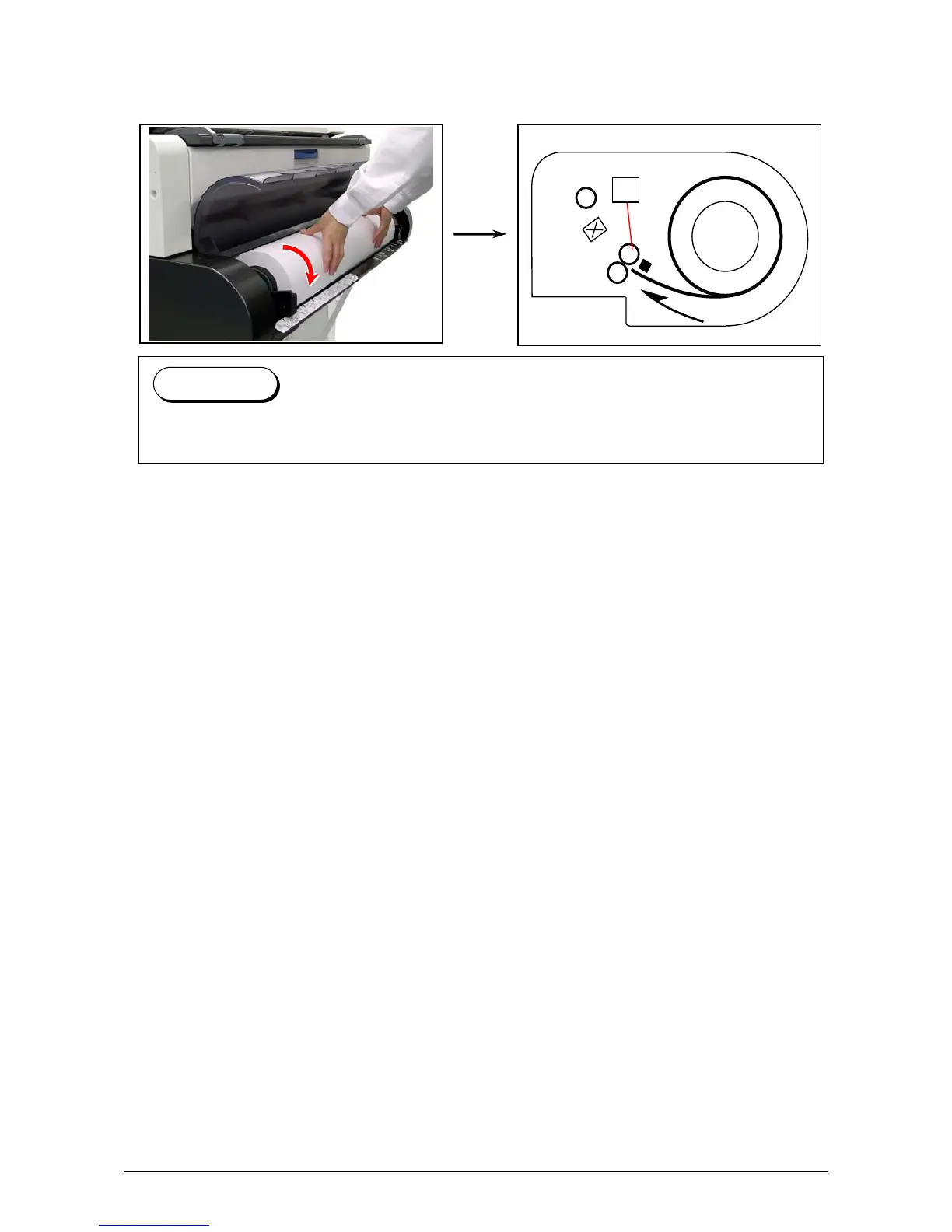
7. Rotate the roll media in the arrow direction and insert the leading edge of the roll media to the
media path until it touches the feeding rollers (6).
After that, the leading edge will automatically go into the roll media’s wait position.
This is called “Auto Media Loading”.
8. Trim the leading edge of the roll media with “Initial Cut” function if necessary.
For Initial Cut, see the next page on [2.4 Initial Cut].
Reference
Auto Media Loading becomes available while the printer is ready.
6



 To Next Page