Chapter 2 Basic Operation 2-17
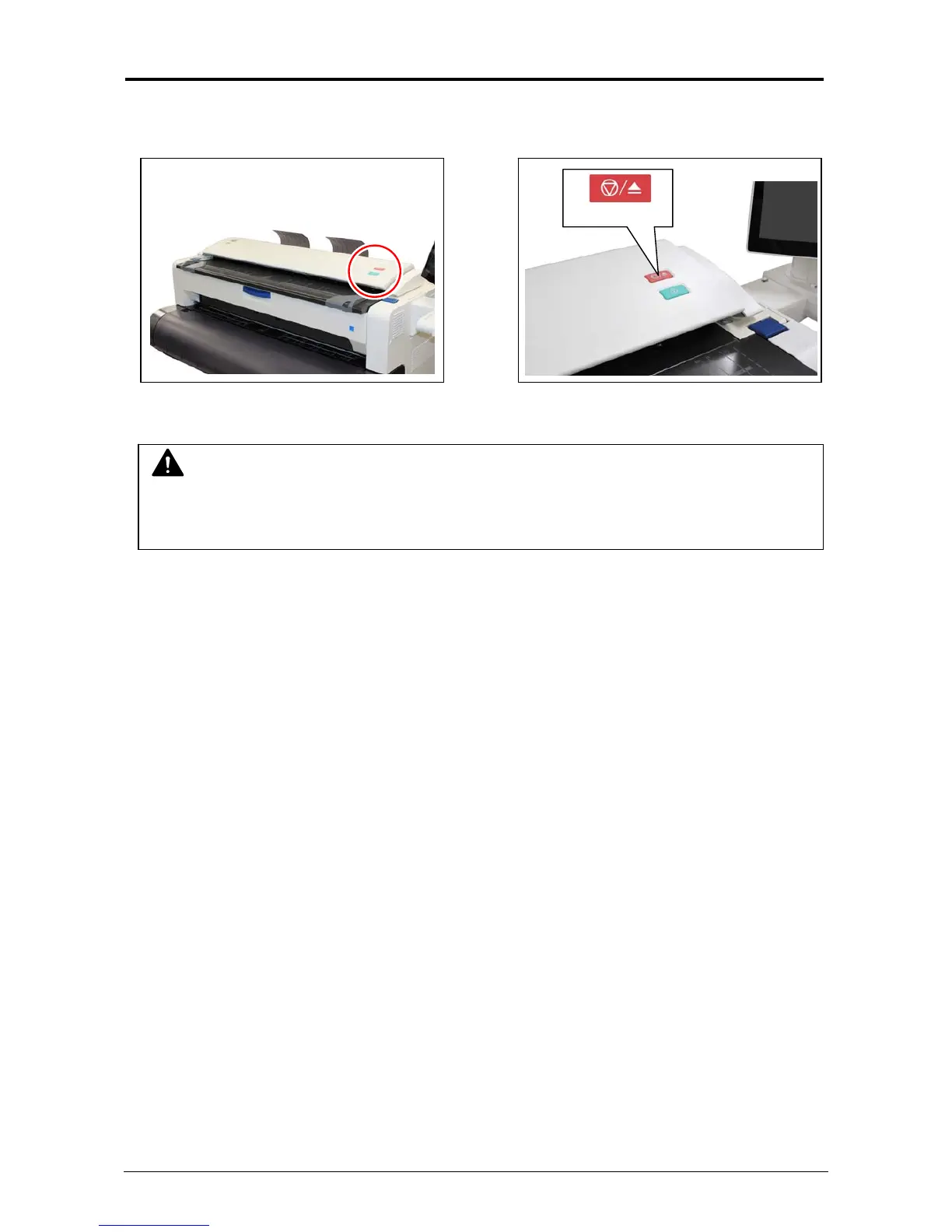
2. 8 Stop of Scan or Copy
1. If necessary, press the Scan Abort Button on the Scanner Unit to immediately stop the original
while making a copy or scan.
Pressing the button stops the current reading a document immediately. The current printing is
stopped as well and is ejected.
NOTE
Do not pull back or hold down the original on Original Table as an attempt to stop feeding it
through Scanner Unit.
Scan Abort Button



 To Next Page