Chapter 4 Maintenance 4-5
4. 1. 2 Sensor
If Sensors are dirty, the original may be detected incorrectly.
Perform cleaning or as needed.
1. Turn off KIP 770.
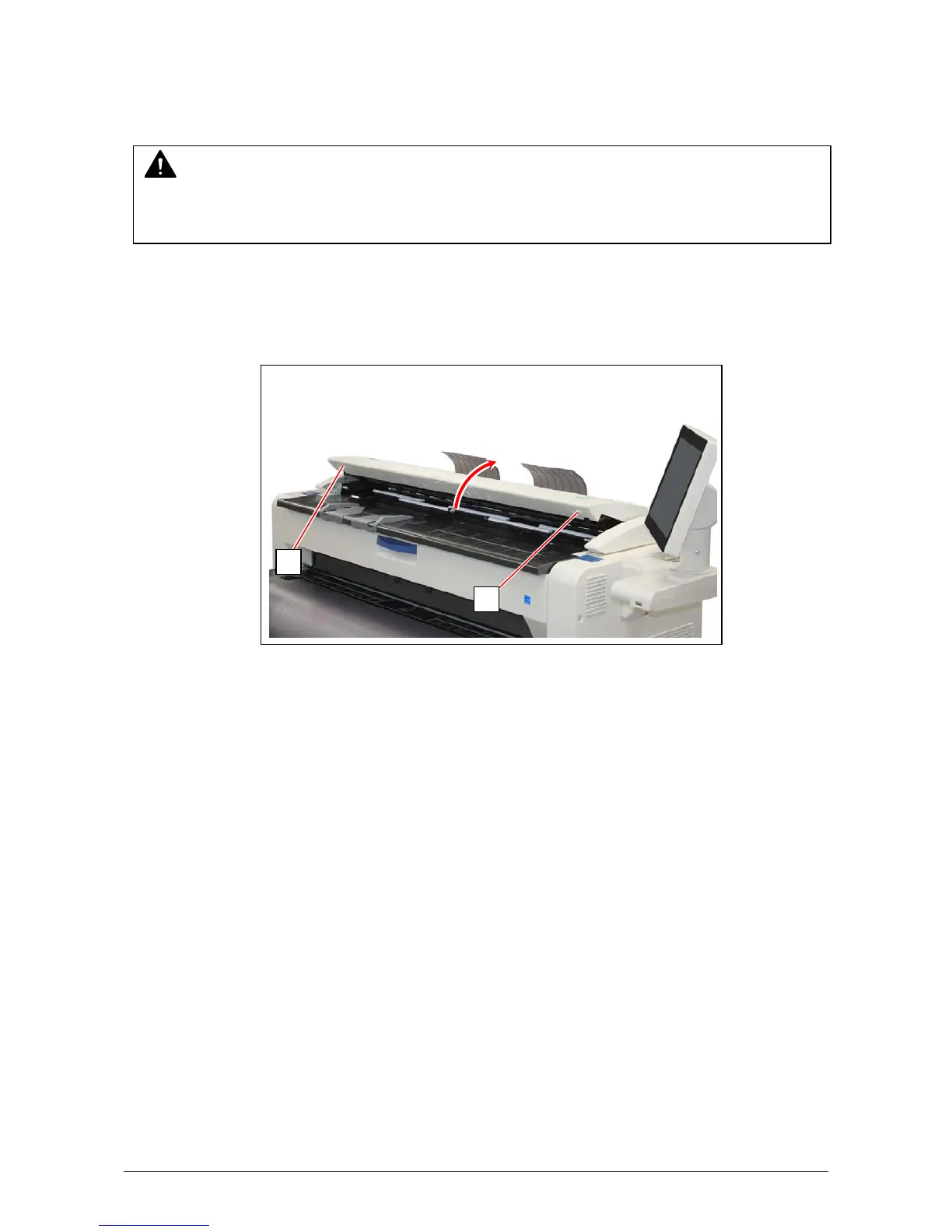
2. Lift up both sides (1) of the Scanner Unit.
NOTE
For ease of visual check, this document shows the Upper Unit fully open (not actual wide).
1
1



 To Next Page