Chapter 3 Error Correction 3-19
3. 4 Service Call Error
If an error with significant effect on the printer occurs, the printer stops the operation and indicates
a related Customer Engineer Call Error Code (or description, and its equivalent internal code) on
the UI screen.
Call the service staff immediately as these problems can be fixed by a well trained technician only.
Before calling the service staff, try to turn on/off the Printer. If “Service Call Error” is indicated again,
turn off the machine, unplug it, and call the service staff with reporting the error description in the
UI screen.
Service Call Error
- Sensor Error
- Motor Error (Main Motor, Paper Tray Motor)
- Cutter Error
- Developer Error
- Fusing Temperature Error
- Fuse Error
- Counter Error
- Output Error (Image Corona, Separation Corona, Transfer Corona)
- High Voltage Power Supply Error
- Density Sensor Error
- Eraser Lamp Error
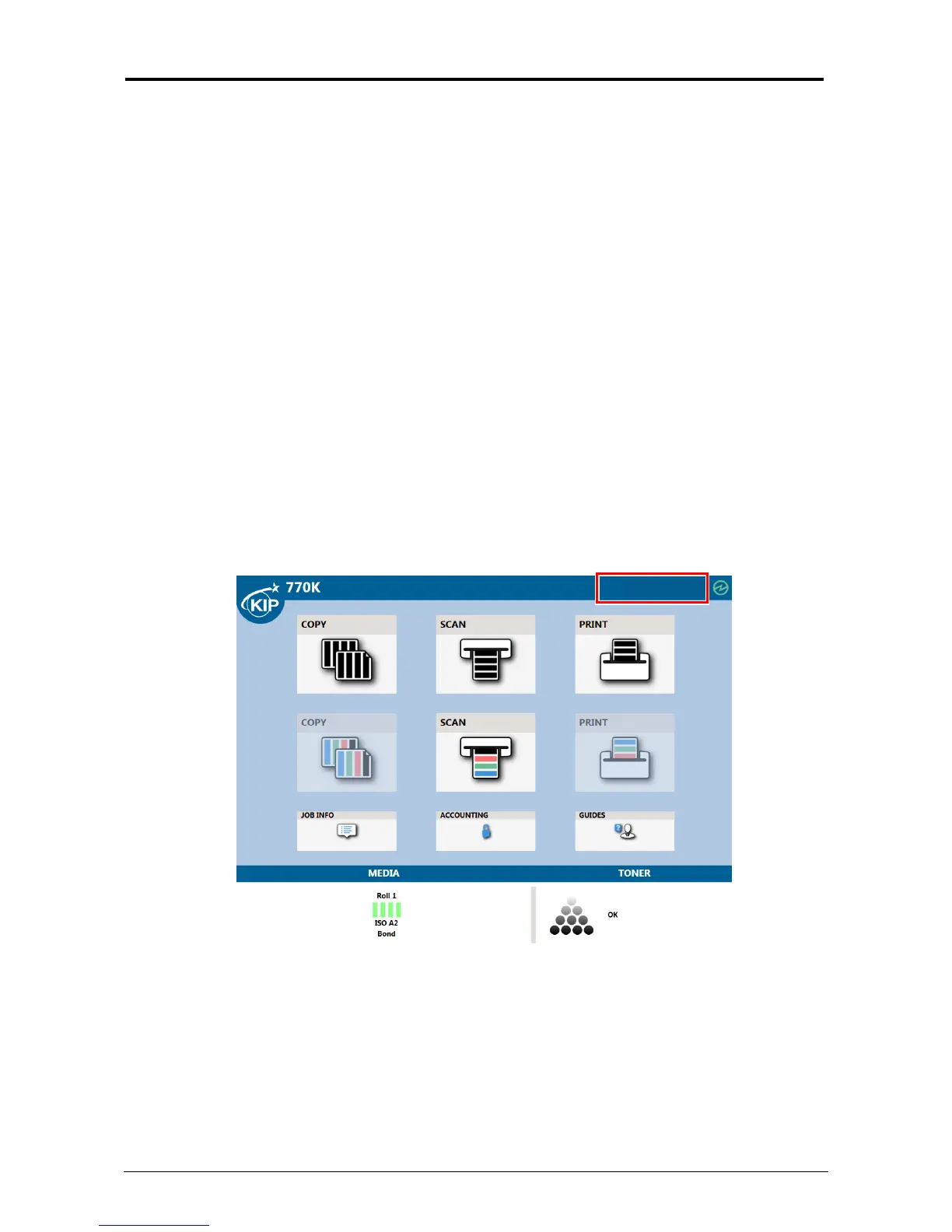
A corresponding description will be displayed in the top column (status region) in the UI screen.



 To Next Page