Chapter 2 Basic Operation 2-9
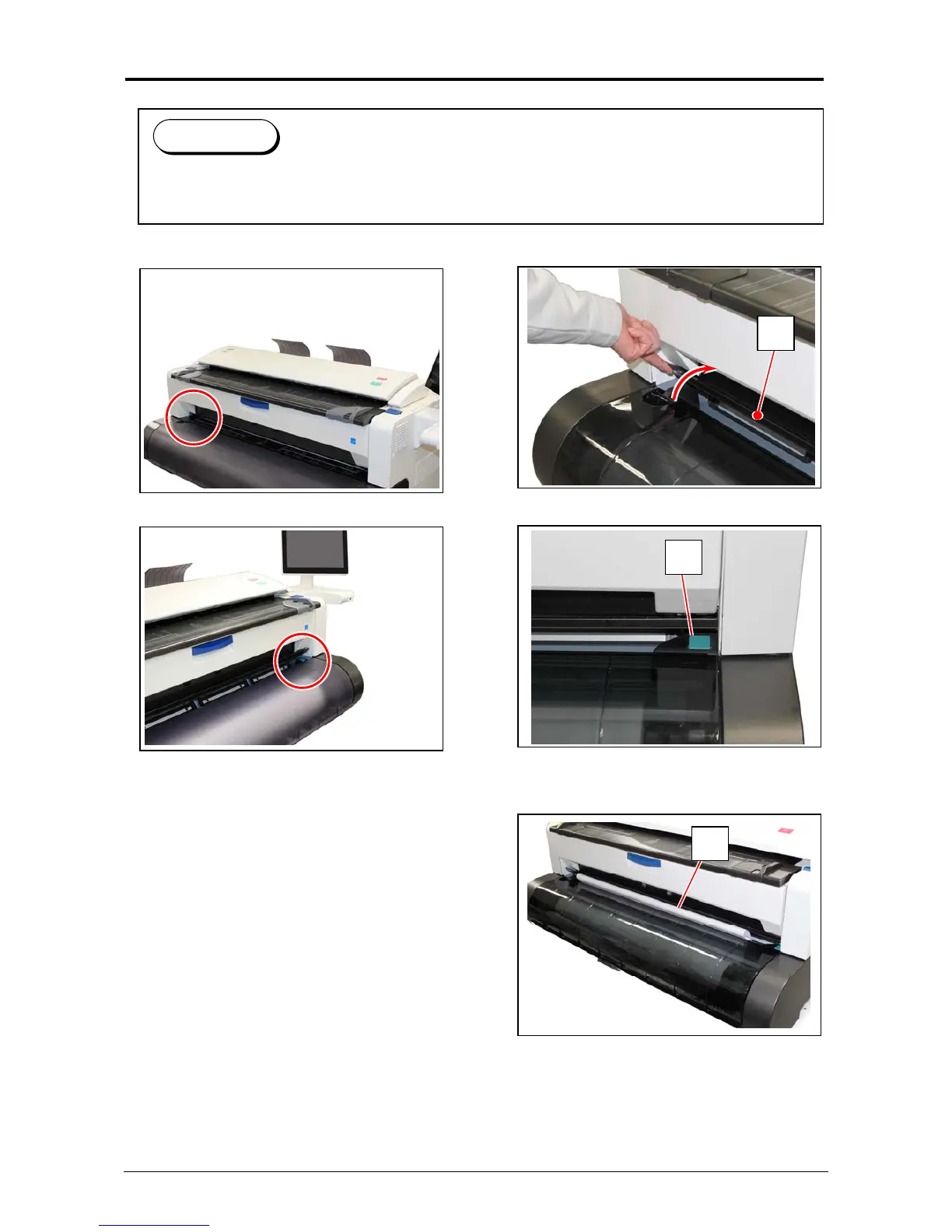
2. 4 Initial Cut
1. Open the Manual Feeder Table (1).
2. Press the green button (2) on the right.
3. The leading edge of the roll media is automatically transported and cut off.
Remove the portion of the media (3) and close the Manual Feeder Table (1).
1
2
3
Reference
(1) Initial Cut is a function to trim the roll media with its leading edge cut off.
(2) Initial Cut becomes available while the printer is ready.



 To Next Page