Novar 1xxx KMB systems
8
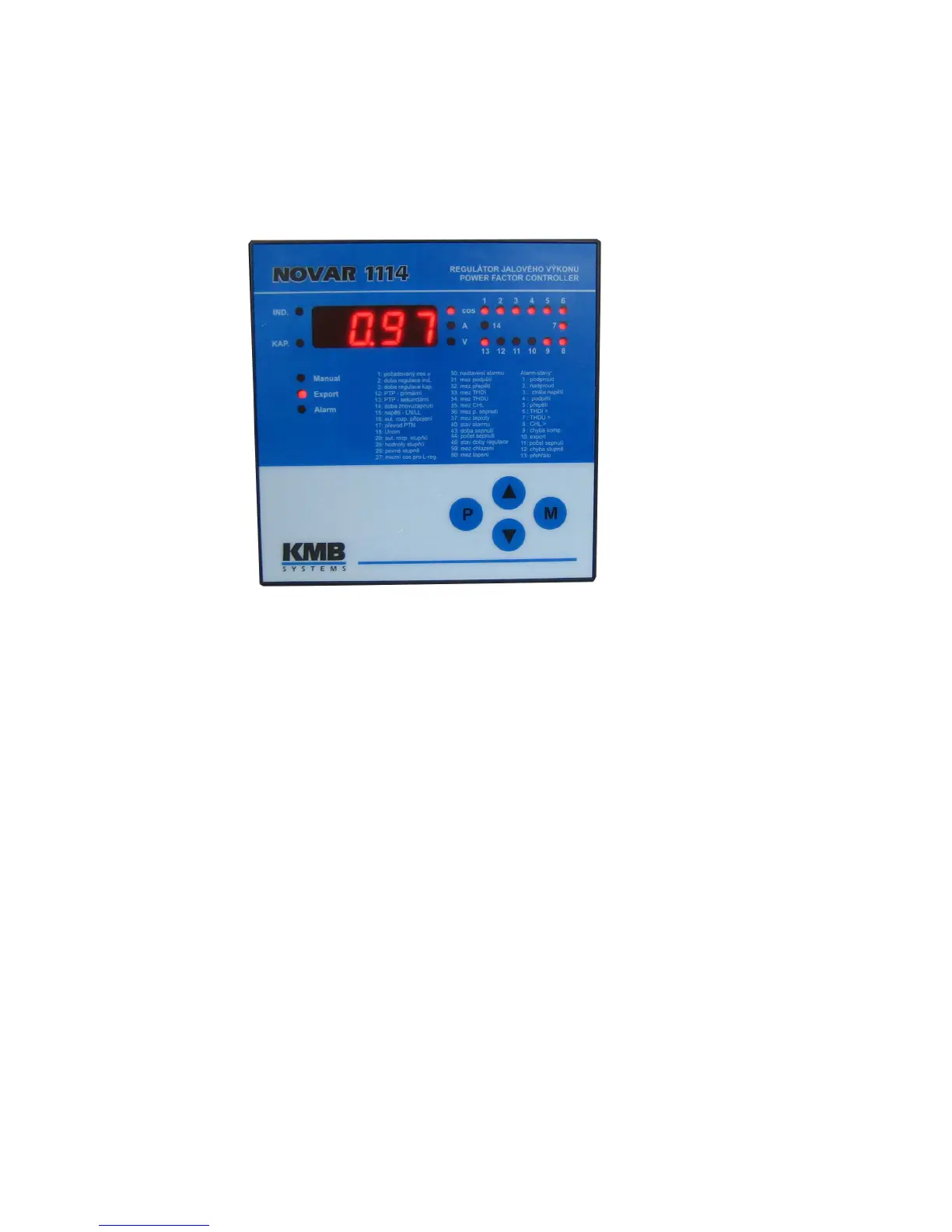
1.8 Front Panel
The front panel consists of a numeric display, indication LEDs and control keys.
Figure 1.1: Front Panel
1.9 Numeric Display
Information shown on the numeric display can be divided into 3 main data groups:
• instantaneous power system values measured, such as power factor, current, voltage,
power, etc.
• controller parameters
• test and error messages
1.9.1 Novar 11xx / 12xx / 13xx Controllers
1.9.1.1 Instantaneous Measurement Values
The mode of displaying instantaneous values is the basic display mode which the controller enters on
power-up. If you switch to parameter display mode, you can get back to instantaneous value display
mode by pressing the M (Measurement) button.
The controller enters the instantaneous display mode automatically in about 30 seconds from the
moment you stop pressing control keys (or in five minutes if control time is displayed – see description
of parameter 46 further below).
1.9.1.2 Main Branch
One LED, COS or A or V, is always lit in the instantaneous display mode. These LEDs identify the
value group displayed. Instantaneous values displayed are organized in branches – see Figure 1.2.
The main branch contains the following main instantaneous values: cos, Ieff and Ueff. You can
switch between the values displayed using the ▲, ▼ buttons.



 To Next Page