Back
Next
Index
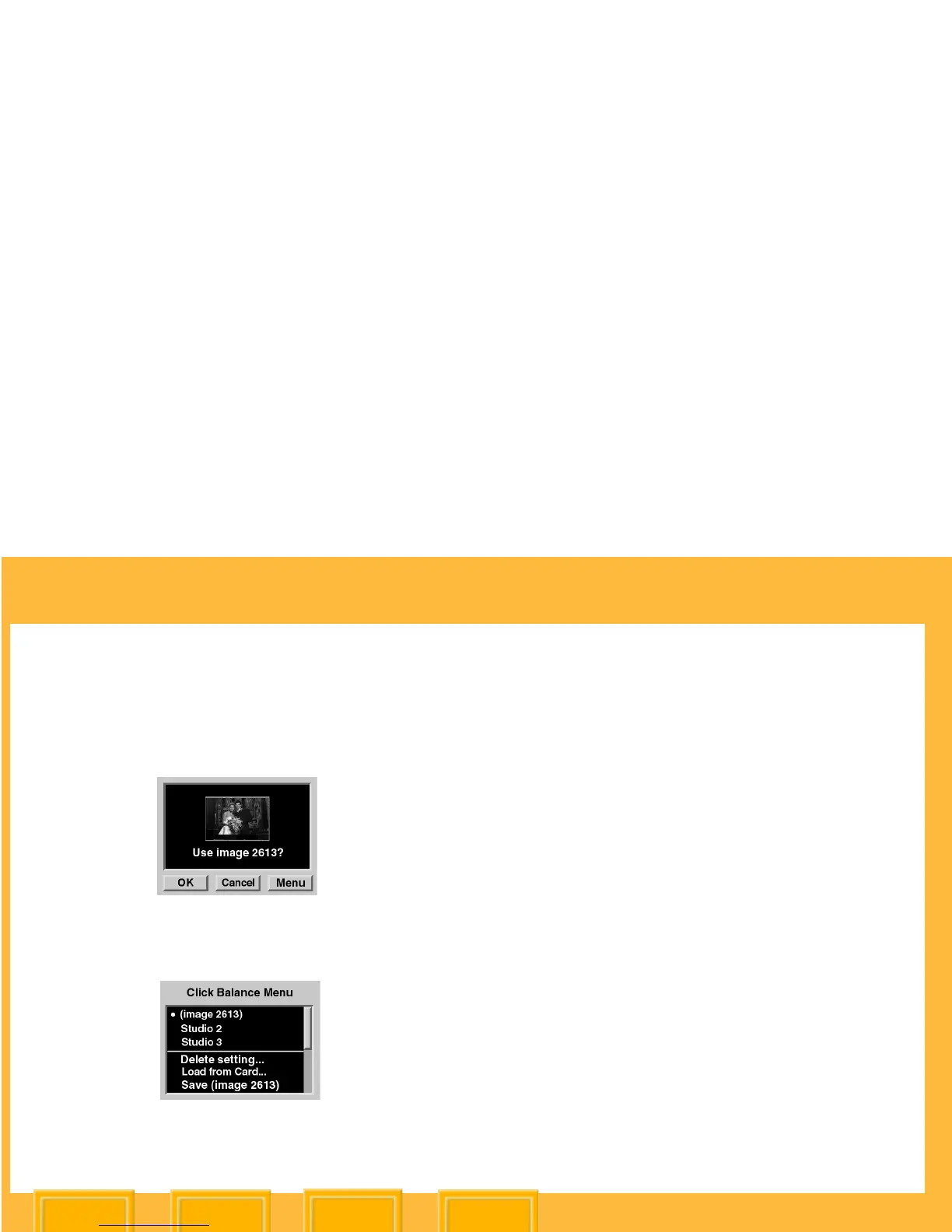
Using the Click Balance Menu
1 Choose Click Balance from the White Balance
menu.
2 Press the Menu button to display the Click
Balance menu.
3 Do one of the following:
✔ Select a Click Balance setting.
✔ Delete a Click Balance setting.
✔ Load a Click Balance setting from a CF
Card
✔ Save a Click Balance setting for reuse
Selecting a Click Balance Setting
1 Select a Click Balance setting from the Click
Balance menu.
A • symbol appears next to the currently active
Click Balance setting.
2 Press the OK button.













 To Next Page