Back
Next
Index
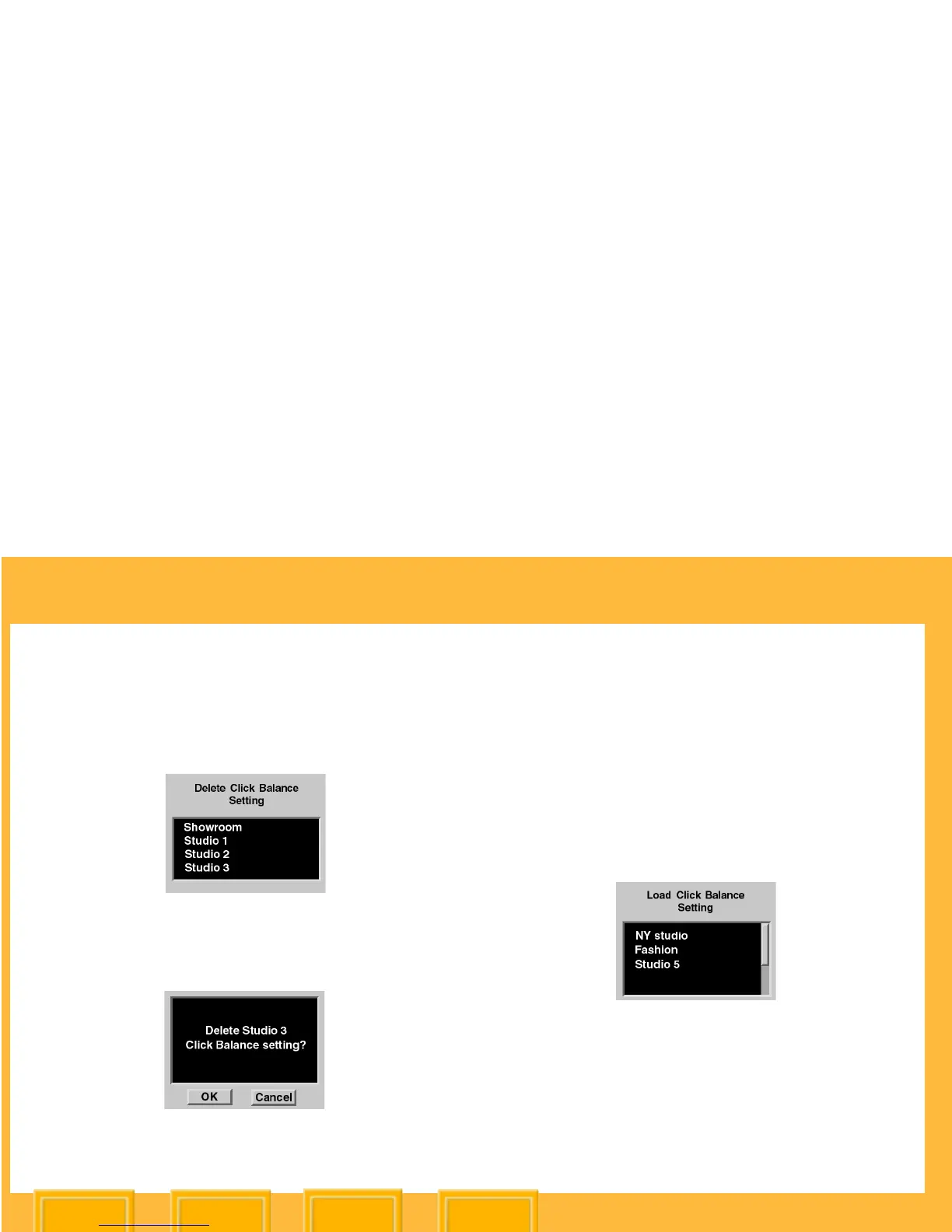
Deleting a Click Balance Setting
1 Choose Delete Setting from the Click Balance
menu.
2 Select the Click Balance setting to be deleted.
3 Press the OK button.
4 Press the OK button.
Loading a Click Balance Setting
You can load a Click Balance setting that has
been saved to a CF Card using KODAK
PROFESSIONAL DCS Photo Desk. (A maximum
of 10 settings can exist in camera memory.)
1 Choose Load From Card from the Click
Balance menu.
2 Select the Click Balance setting to be loaded.
3 Press the OK button.
The loaded file subsequently appears in the
Click Balance menu.













 To Next Page