Chapter 4
Kodak ESP 7 Printer User Guide 37
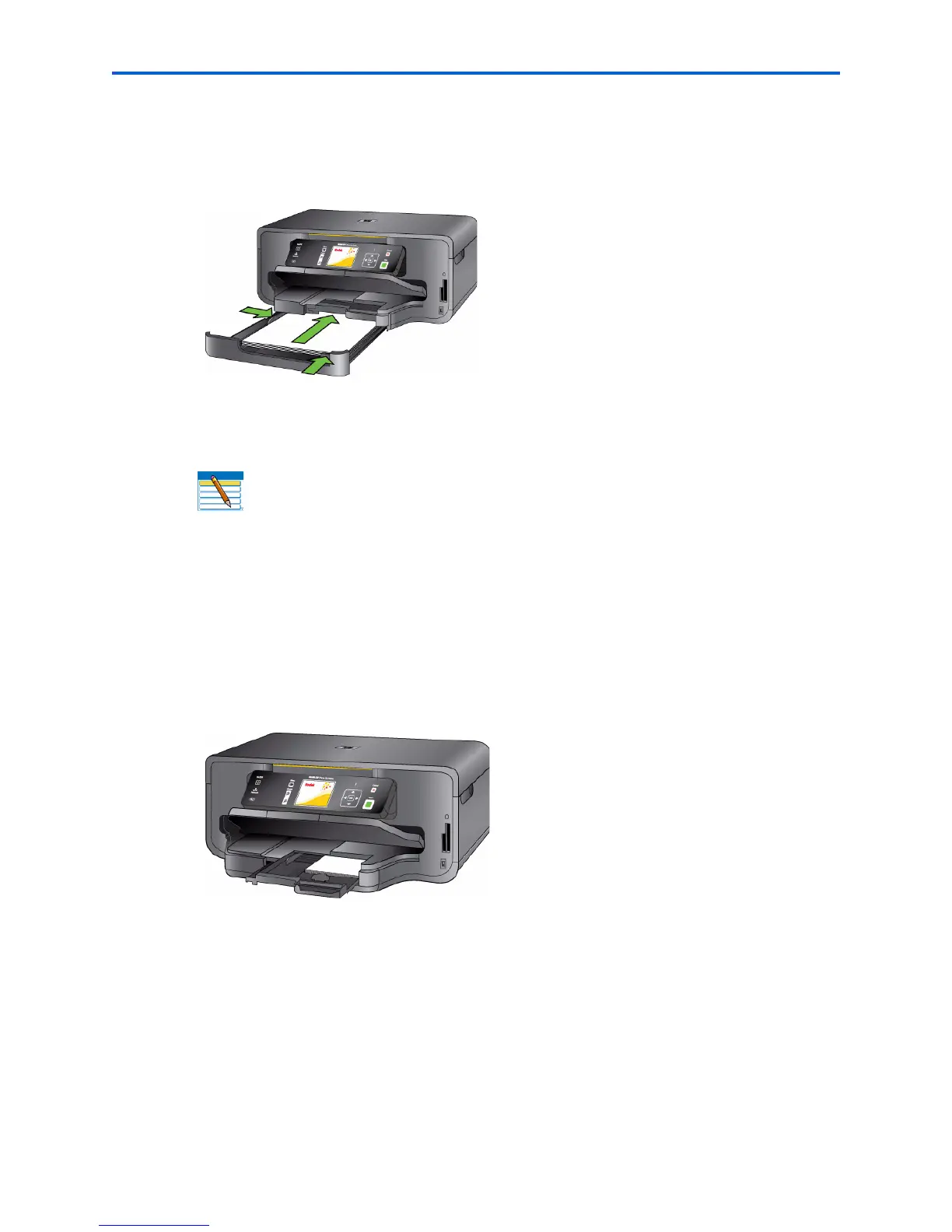
5 Lower the paper output tray.
6 Gently push the tray forward until it is aligned with the edge of the paper output tray.
Loading photo paper
1 Remove all other paper from the paper tray you plan to use.
2 Insert photo paper into the paper tray print-side down, with the short edge forward. Do
not overload the tray.
3 Slide the paper forward until it stops.
4 Squeeze the paper edge guide and slide it to the right until it just touches the loaded
paper.
5 Lower the paper output tray.
Gently push the tray forward until it is aligned with the edge of the paper output tray
Note: Review “Things to keep in mind” on page 35.


 To Next Page
 Loading...