MDC-7000/7900 Series Chapter 4 Setup after installation
0092669002-07 4-15
4.2.3.2 Connection of other device
In case of a gyro with analogue signal output such as step signal or synchronous signal (Refer to
“3.4.5 Connecting a Gyro converter unit or THD using Junction box JB-35”), insert a gyro converter unit
(optimal item: S2N) between them, convert the analogue signal into that of IEC 61162-2, and then input
the signal into the gyro port of this device.
When a THD (a gyro with output based on IEC 61162-2) or a GPS compass from another manufacturer
is connected (Refer to “3.4.4 Connecting a Gyro converter unit or THD”), connect the output based on
IEC 61162 directly to the gyro port of this radar. Setting can be performed with pressing MENU key as
follows:
(1) [MAINTENANCE] => [I/O] => [HDG] => [HDG] => [AUTO], and press ENT key.
Set values: AUTO, THS, HDT, HDG, HDM, VTG, RMC, RMA, MAN
Caution: In case of either HDG, HDM, VTG, RMC, RMA or Manual is selected, TT (ARPA) function
and true trail will not always work properly.
4.2.3.3 How to input the heading value by manual
The heading data can be set by manual for the purpose of an examination or repair.
Setting can be performed with pressing MENU key as follows:
(1) [MAINTENANCE] => [I/O] => [HDG] => [HDG] => [MAN], and press ENT key.
(2) [MAINTENANCE] => [I/O] => [HDG] => [MAN] => [VALUE] will show the current setting of the input
value by highlighting the last digit value by the trackball.
(3) Move the TRACKBALL up or down to set the value. Press ENT key to save the set result.
Setting value: 0.0 to 359.9°
Note: The manual input data is displayed with yellow color.
4.2.3.4 Compensation of angle of ship’s bearing
When there is any constant error in input ship’s bearing, it can be used after compensated as follows:
(1) Press MENU key to display “Menu”.
[MAINTENANCE] => [I/O] => [HDG] => [OFFSET] => [VALUE] will show the current setting of the
input value by highlighting the last digit value by the trackball.
(2) Move the TRACKBALL up or down to set the value. Press ENT key to save the set result.
Setting value: 0.0 to 359.9°
Example: OFFSET value: 10°
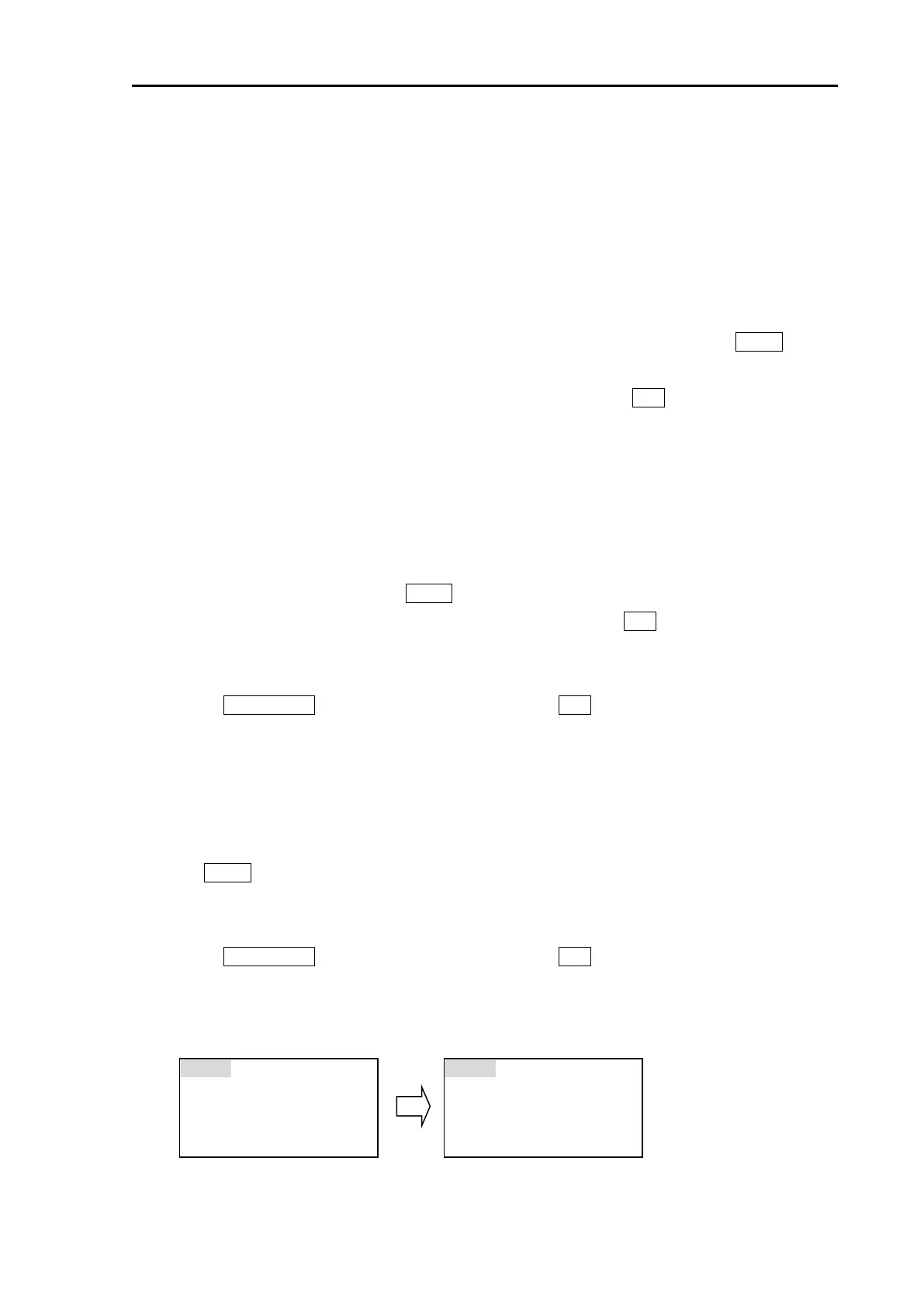
LOCAL 21/01/16 10:18
HDG GYRO
LOCAL 21/01/16 10:18
HDG GYRO



 To Next Page