MDC-7000/7900 Series Chapter 4 Setup after installation
0092669002-07 4-35
4.10 Setup VECTOR on tracked targets
The course and speed are indicated as vector after tracking is established.
Two types of display mode are available: relative display (REL) and true display (TRUE).
(Initial setting: REL)
1 Press MENU key to display “Menu”.
Select [TARGET] => [VECT] => [TRUE/REL] => select [TRUE] or [REL], and press ENT key.
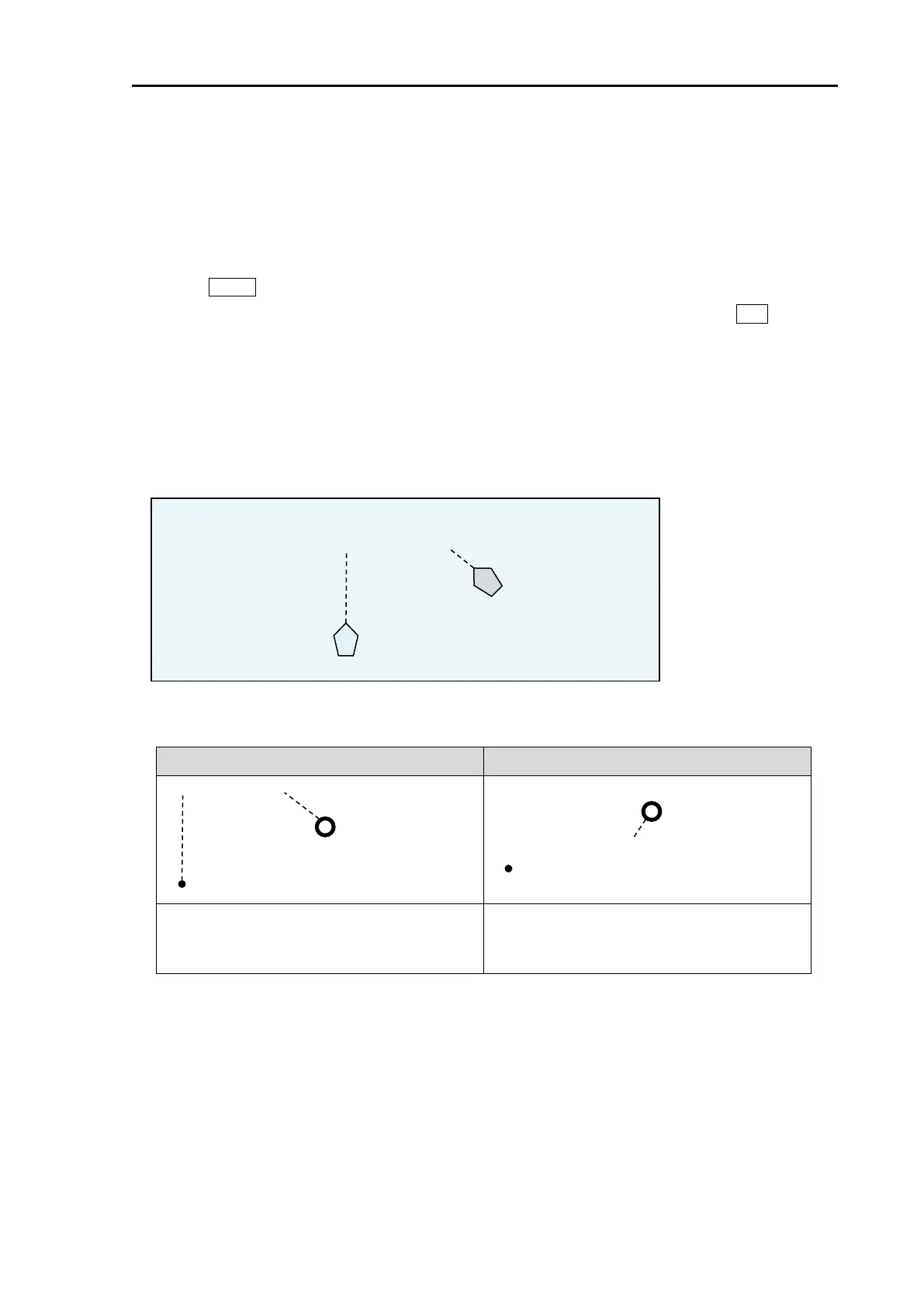
TRUE: This vector shows the course/speed of a target only, regardless of own ship.
REL: This vector adds the course/speed of a target to the course/speed of own ship.
Example:
<Own ship position and Target position>
<Radar display>
This vector shows the course/speed of a
target only, regardless of own ship.
This vector adds the course/speed of a target
to the course/speed of own ship.
Refer to 4.1 Common setting “VECTOR REL/TRUE” of Operation manual.
Direction that own ship moves
Direction that the target moves








 To Next Page