MDC-7000/7900 Series Chapter 5 Troubleshooting and on board repair
0092669002-07 5-1
Chapter 5 Troubleshooting and on board repair
In this chapter we provide troubleshooting procedures to find malfunction parts on a ship.
5.1 Necessary information at the time of repair request
Please note the following items:
(1) Ship name and phone number of the satellite communication system if equipped
(2) Product type name
(3) Product serial number
(4) Software version name described in the [MAINTENANCE] Menu.
(5) A following port of call, arrival schedule, and agency name
(6) Status of malfunction and results of diagnostics on a ship
5.2 Provided self diagnostic facilities
The alarm display on the display and lamp for internal status is provided for self-diagnostics of this
device.
5.2.1 Alarm display and how to cancel
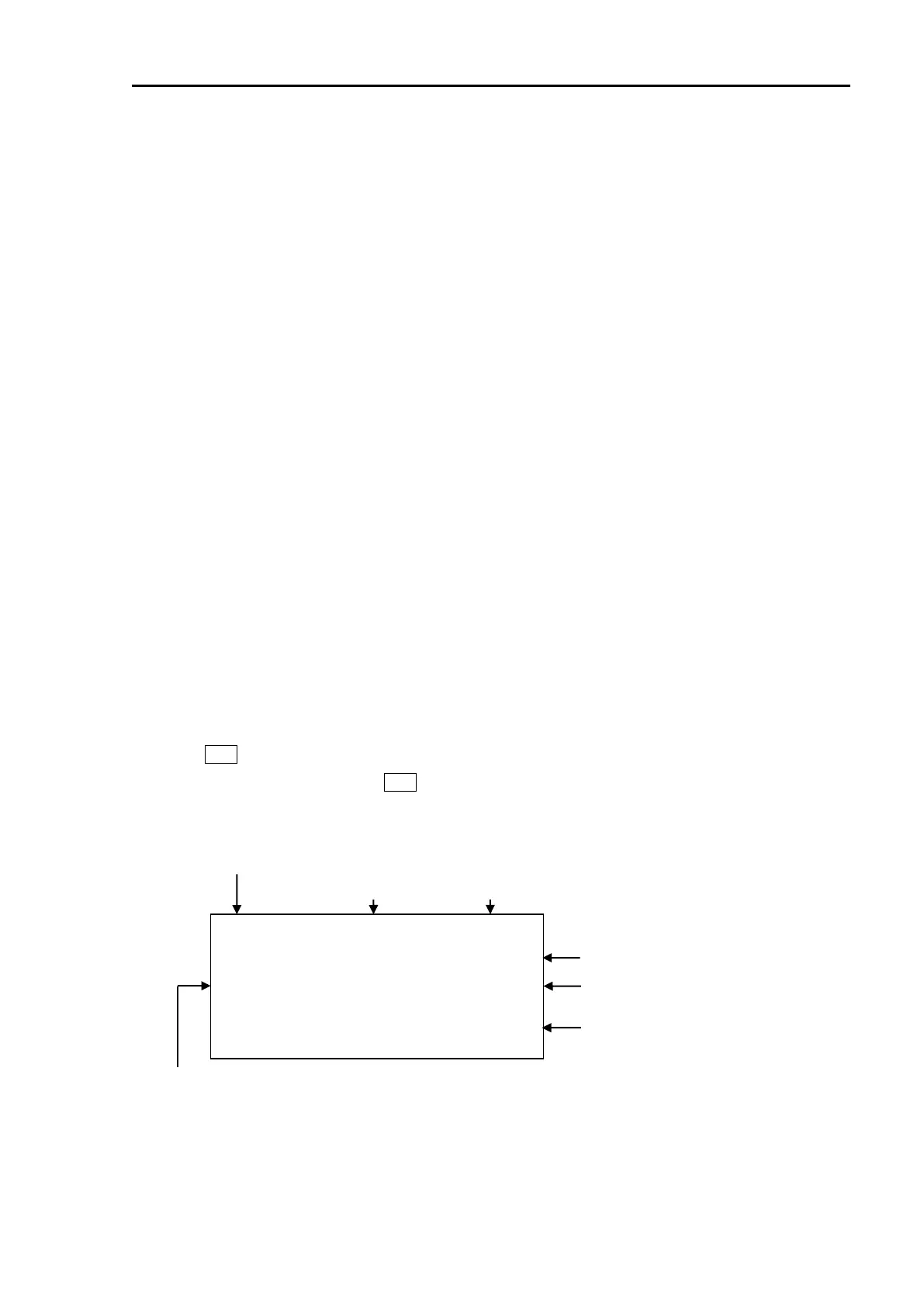
Alarm display may appear at the lower right of the radar display as shown in Figure 5.1 when a
malfunction or operation error has been detected in the device.
Abnormalities are categorized as [Alarm], [Warning] and [Caution]. When alarm display actually
appears and there is something wrong with radar, record the alarm details by type, location and status
and press OFF key. The alarm sound and display will disappear. Multiple errors may be displayed one
by one. Record all alarms and press OFF key for every alarm. The types of alarm, warning and caution
are shown in Table 5.1.
MESSAGE. . . . . . . . . . . . . . . .
. . . . . . . . . . . . . . . . . . . . . . . .
(ALARM and WARNING blinks until acknowledging alarm)
Date when warning and alarm
is generated.
Figure 5.1 Alarm, Warning and Caution display
Icon and Priority:
ALARM / WARNING / CAUTION








 To Next Page