MOB ‘MAN OVERBOARD’ function
MOB
In case someone falls overboard, press the [MOB] key and hold
for two seconds (or activate an external MOB switch), and the system
will provide all relevant data for an efficient rescue operation.
Press [CLR] to confirm and reset the alarm.
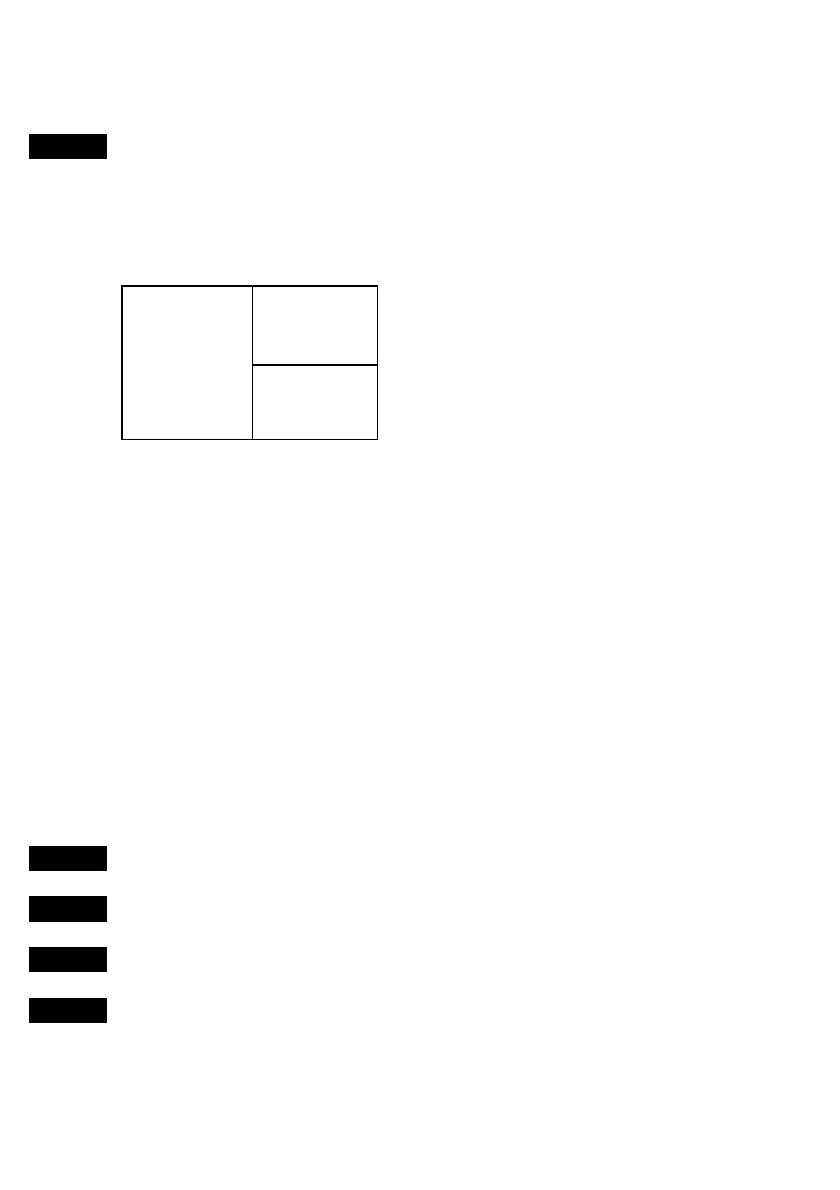
Display 1
Display 3
Display 2
Screen layout default after activating
MOB.
Display 1: The MOB display will provide the position where the man
fell overboard, together with present course (C), bearing (B), and
distance (DIST) to the MOB position.
Elapsed time - first in seconds and then in minutes. If “*” is shown
instead of number of minutes, means that the elapsed time has
exceeded 9999 minutes.
Display 2: The position display will provide date, time and present
position.
Display 3: The CHART display will provide a graphical impression of
a man floating in the water at the MOB position together with a course
line to follow to return to the incident.
MENU
Call up the menu bar, and…
4,2
Press [4], and [2], to turn the MOB function off
MENU
Call up the menu bar, and…
2,6
Press [2], and [6], to re-call the last MOB position



 To Next Page