CP40/50 Fundamentals & initial start-up Chapter 2
7
2.1 Fundamentals of the PAGE and WINdow system
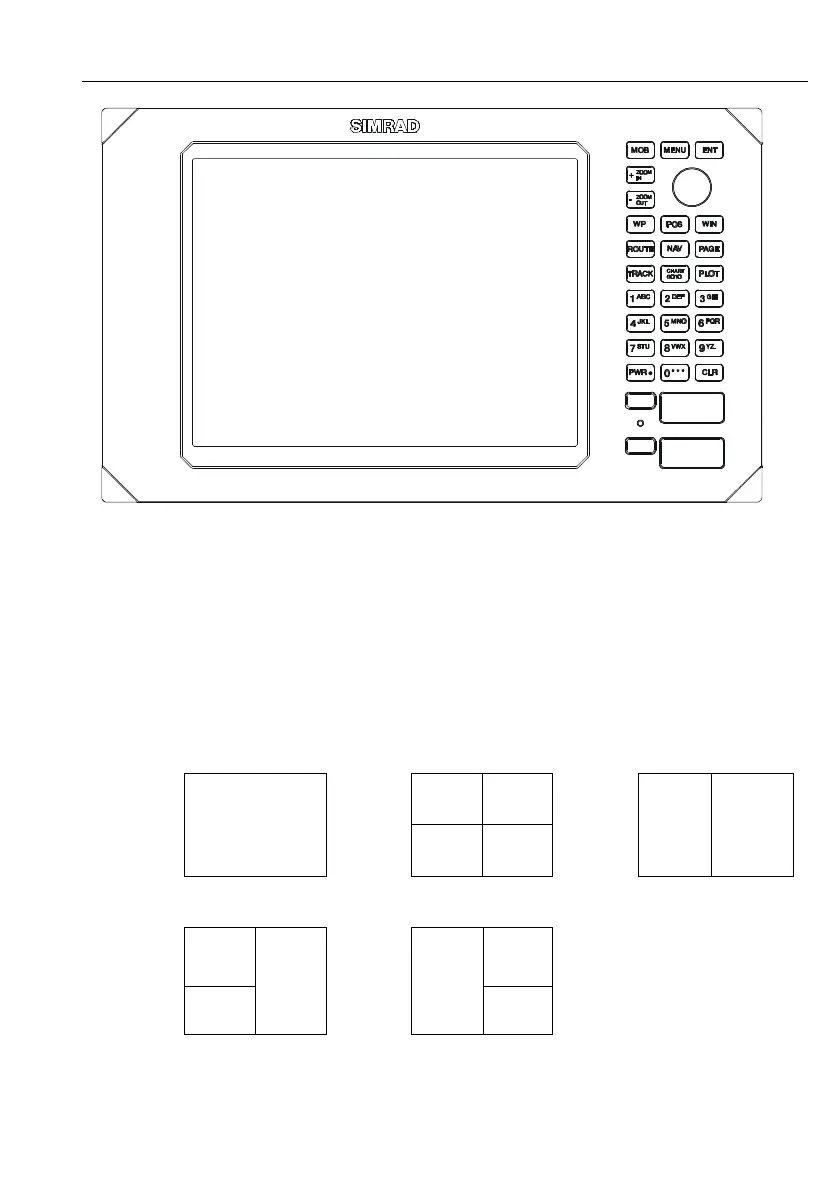
The CP40/50 DGPS Chartplotter has a multi-function screen data
presentation system. You can choose to have a full screen, or a screen
divided into e.g. a chart display and two data/chart displays, etc.
The display which is currently activated is indicated by a highlighted
frame around the active window. There are five screen combinations to
choose from:
1 2
WINdow 0
4 3
5 6
1. Full (1/1) screen. 2. Four ¼ displays. 3. Two ½ displays.
1 2
4
6 5
3
4. & 5. Combination displays of one ½ and two ¼ displays shown
together in the same screen.
F Not all displays are available in WINdows 5 and 6.



 To Next Page