CP40/50 ECHO and SPECIAL menus Chapter 7
92
7.2.6 Display color
MENU
Call up the menu bar, and…
6,6
load the Palette setup
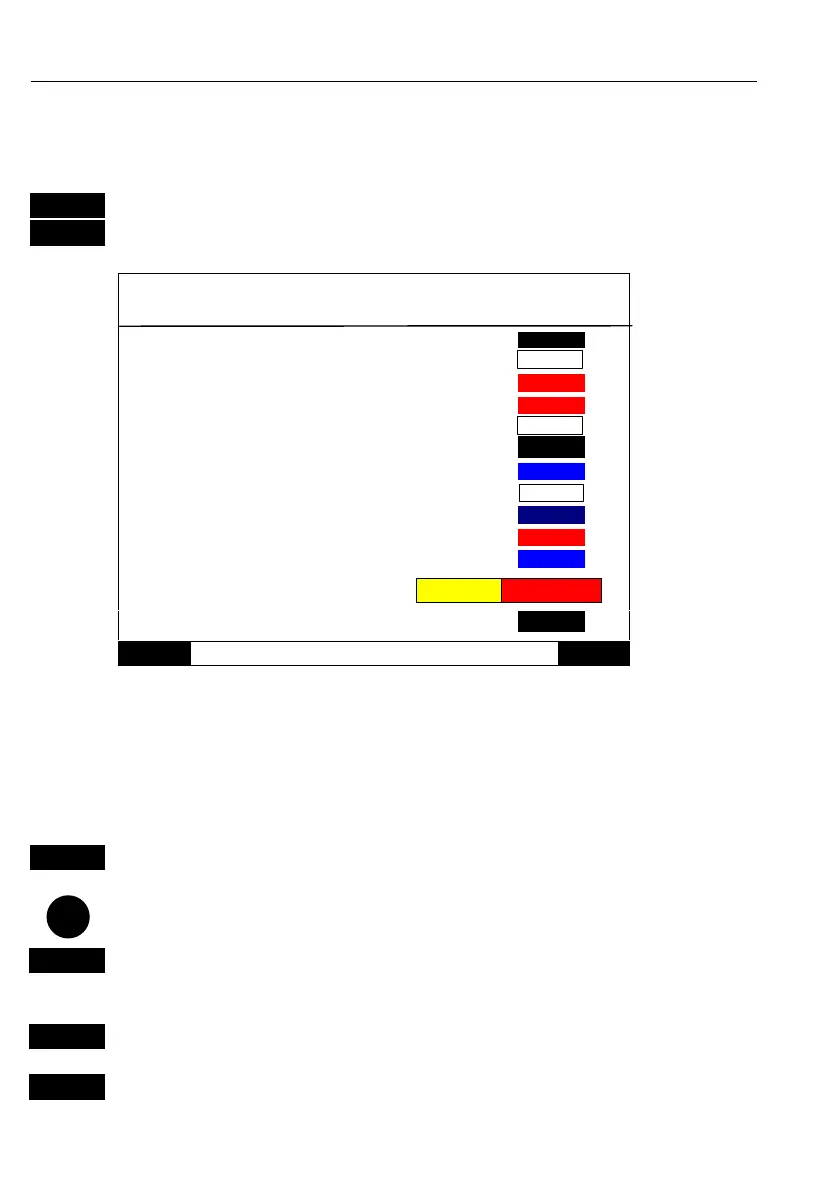
Palette setup: 1
Name: DAY
There is a
total of nine
palettes,
numbered
from 1 to 9.
Inactive frame:
Menu text:
Menu example:
POS SPECIAL
Ship & Cursor:
MENU
Exit Accept
ENT
Palette 1, 2 and 3 are preset to daylight, nightlight and B/W remote,
and they are not adjustable.
Palette 4 to 9 can be customized to suit individual needs and wishes
If you wish to make your own special palette setup in e.g. Palette 4,
then:
4
Select Palette 4
Go to, and…
A-Z
Rename display – max. 31 characters,
- refer to “Naming of routes, points, etc.” in section 2.6.
+/-
Toggle between available color settings
ENT
Confirm new setup



 To Next Page