CP40/50 NAV menus & navigation examples Chapter 6
63
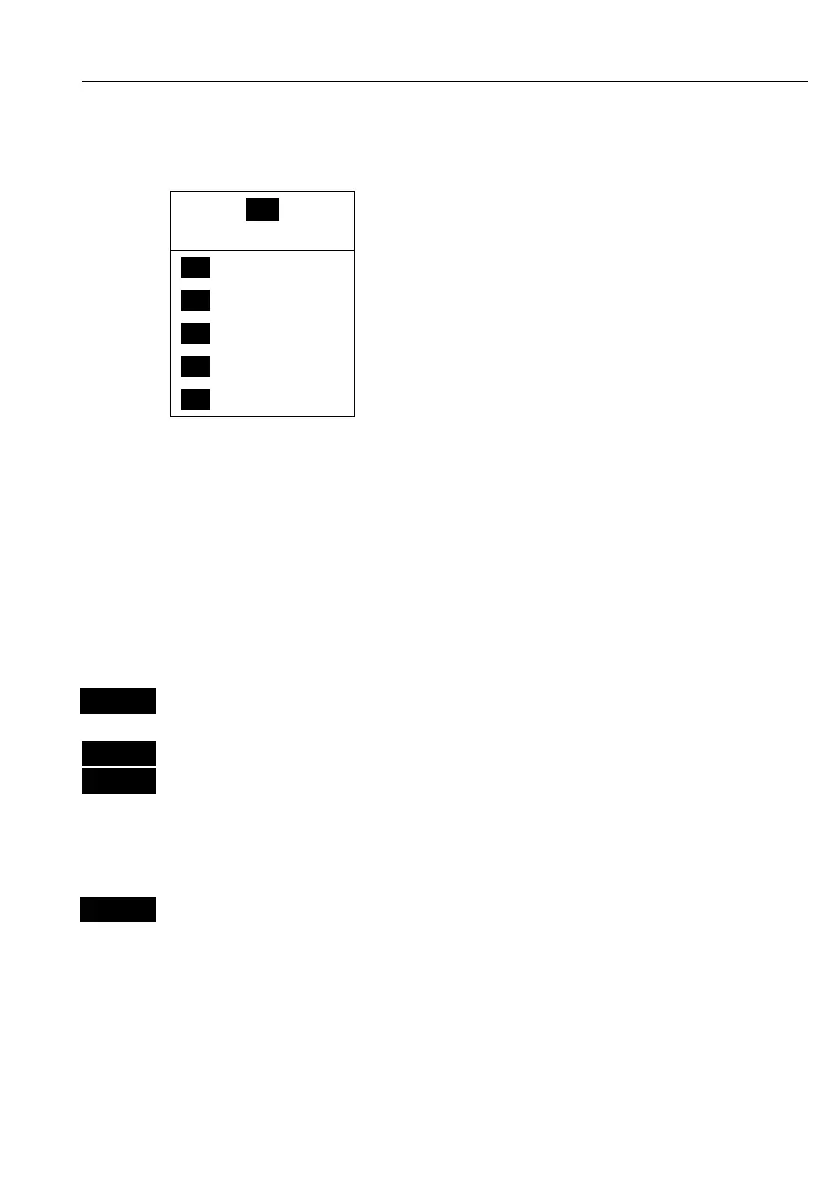
6.1 NAV menu – (NAV inactive)
_4_
NAV
_1_ Navigation
- see section 6.1.1.
_2_ WP
- see section 6.5.2.
_3_ ROUTE
- see section 6.5.3.
_4_ TRACK
- see section 6.5.4.
_5_ ANCHOR
- see section 6.3.
This NAV menu will appear when there is no navigation mode active.
See also section 6.2 – when navigation mode is active, section 6.3
Anchor guard, 6.4 MOB navigation, and 6.5 Navigation examples.
6.1.1 Navigation display
NAV
Direct access to Navigation display
- or gain access via the menu:
MENU
Call up the menu bar, and…
4,1
load Navigation display
Since there is no navigation mode active, you will receive the legend:
NAVIGATION IS OFF. To enter the basic Navigation setup display:
ENT
Press [ENT] to call up Navigation setup
- see display example next page.
Before starting out in one of the navigation modes, it may be a good
idea to check out the Navigation setup display and see if the default
settings will suit your need.



 To Next Page