CP40/50 NAV menus & navigation examples Chapter 6
65
Navigation mode – RHUMBLINE navigation is used for shorter
distances, and GREAT CIRCLE for long trips, especially when crossing
at high latitudes. COMPOSITE navigation is used when not all legs in a
route are set to the same navigation mode.
– can be set to “WP-circle”, “WP-line” or “OFF”.
When set to WP-circle, the system will change to the next waypoint in
the route after passing the circle line (border).
When set to WP-line, the system will change to next waypoint in the
route after passing the waypoint line (border).
When “Auto waypoint shift” is set to “WP-circle”, then the alarm
function at the waypoint’s circle will not be activated.
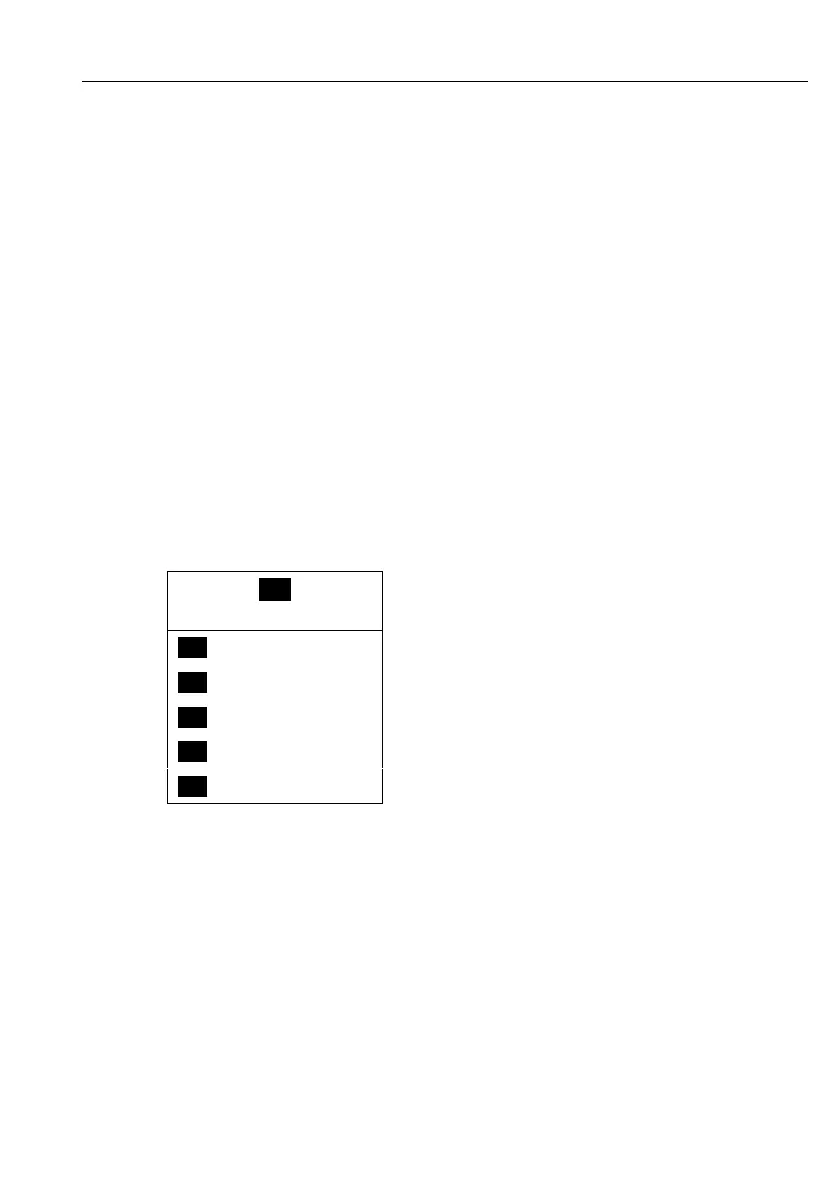
6.2 NAV menu – (NAV active)
_4_
NAV
_1_ Navigation
- see section 6.2.1.
_2_ Turn NAV off
- see section 6.2.3.
_3_ ETA & AVN
- see section 6.2.4.
_4_ Set & drift trim
- see section 6.2.5.
_5_ WP advance
- see section 6.2.6.
This NAV menu will appear when navigation mode is active.
If the selected navigation mode is Waypoint navigation, then point
5:Waypoint advance will not be available and therefore the color of the
text will differ from the rest of the menu text.
See also section 6.1 NAV menu – (NAV inactive), section 6.3 Anchor
guard, 6.4 MOB navigation, and 6.5 Navigation examples.



 To Next Page