CP40/50 NAV menus & navigation examples Chapter 6
66
BN: 16.4° TDG: 35.7nm TTG: 2h34m
S 8.2
V 7.4
C359
°°
B314
°°
X0.011
D 17.3
0.04nm
0.02nm
0.02nm
0.04nm
0.02nm
0.02nm
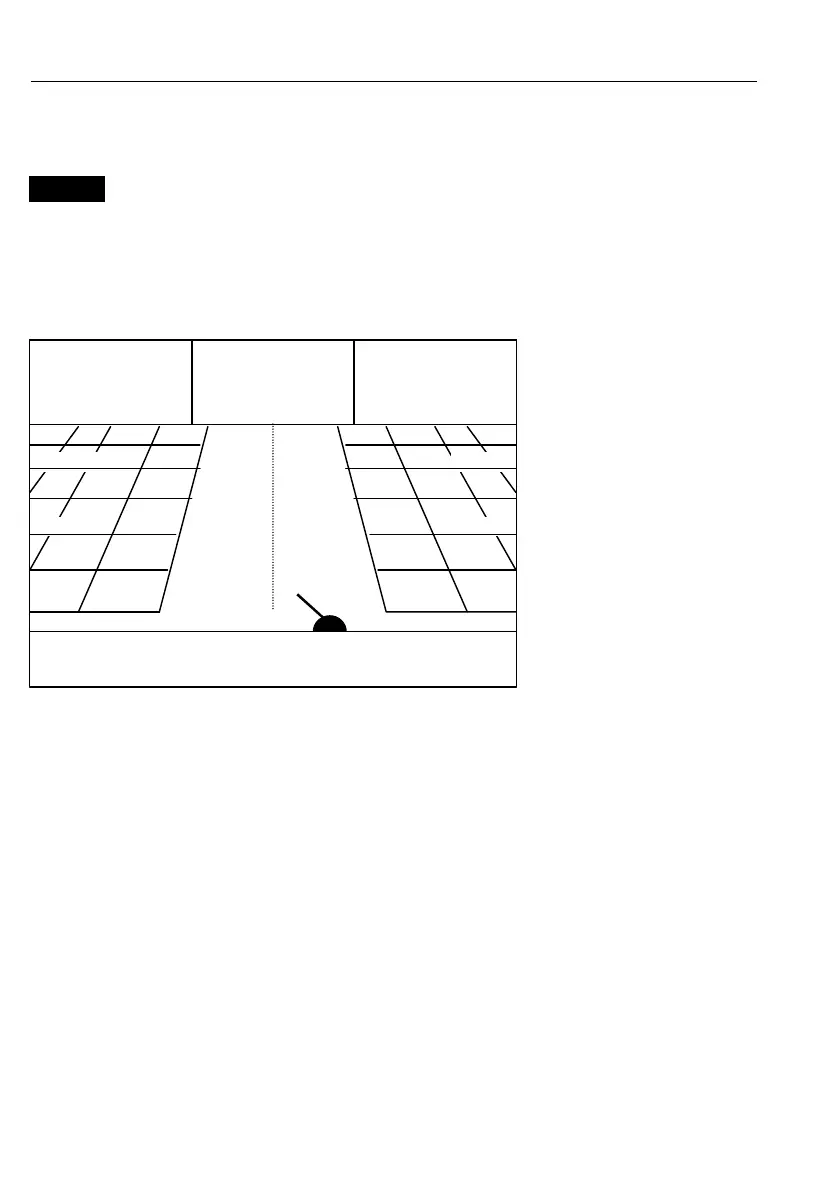
6.2.1 Navigation display
NAV
Direct access to Navigation display
- or gain access via [MENU],[4],[1]
With navigation mode active, the navigation display will provide a
graphical steering display (highway):
C: Course over ground
X: XTE – Cross-track-error
S: Speed over ground
B: Bearing to approaching
point
D: Distance to approaching
point
V: Speed towards point
Route: Name of active
route
Point: No. of approaching
point
TDG: Total distance to go
BN: Bearing to next point
TTG: Time to go (only for
waypoint navigation).
Œ
Ship’s position and course in relation to intended track.
Œ
•
Intended track between two waypoints or from ship’s position when
NAV is activated.
Ž
XTE alarm lines – an alarm will be activated if the ship moves across
the lines.
Refer to section 6.1.1 for alarm setup.



 To Next Page