CP40/50 ECHO and SPECIAL menus Chapter 7
93
7.2.7 Factory settings
It will be possible to erase a single category of objects entered into the
unit by the user – for example, if moving to a different place in the
world you may no longer need the routes, etc. you have in the memory.
However, an alternative is to store the data on a DataCard - refer to
section 5.8.
If the unit is still “alive” but has ceased to respond to normal operation,
it could become necessary to return to ALL factory presets – but first
check “Troubleshooting” in section 8.10.
F Activating the “Return to all factory presets!” will erase all settings
including user data i.e. waypoints, routes, tracks, etc., and restore the
basic settings from the factory.
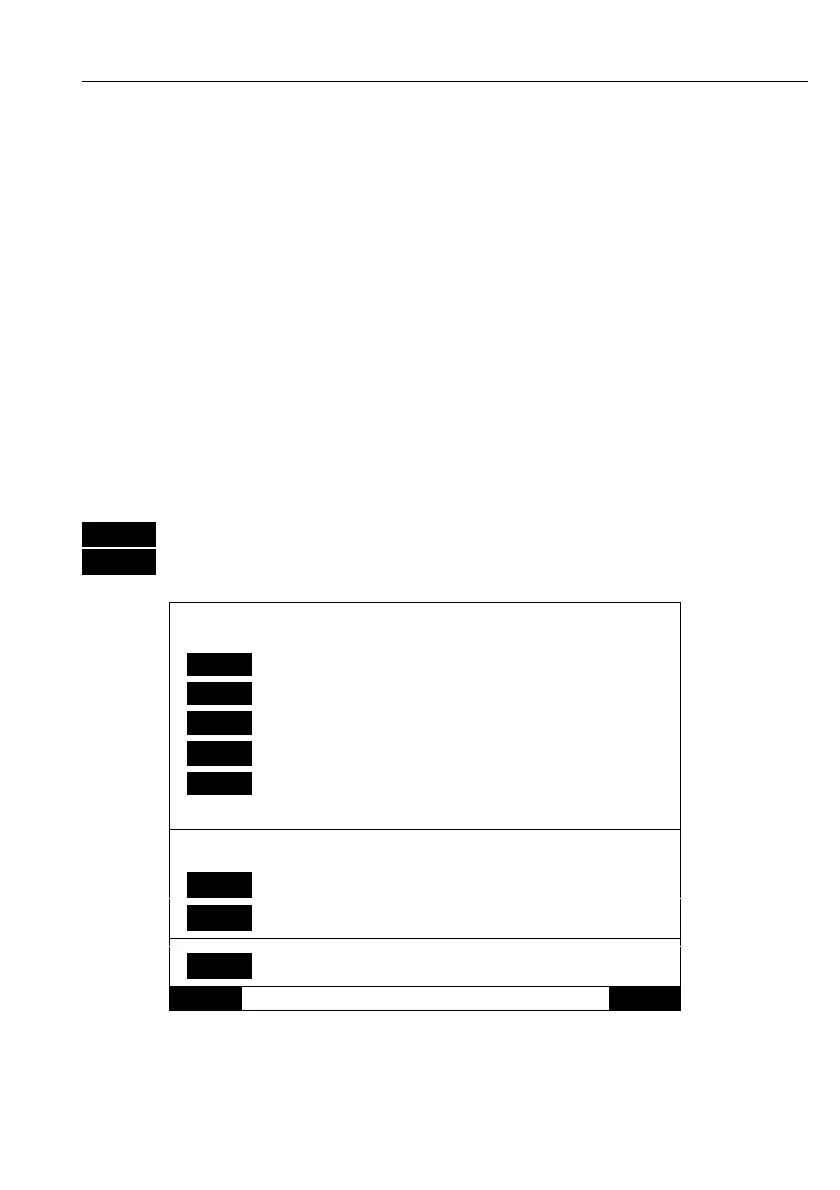
MENU
Call up the menu bar, and…
6,7
activate Factory settings display
DELETE MEMORY:
1
Delete all WAYPOINTS
2
Delete all ROUTES
3
Delete all LINES
4
Delete all TRACKS
5
Delete all TARGETS
Used memory: 0%
Factory presets:
6
Return to CHART presets
7
Return to all factory presets
0
Show test display
Exit Execute
To activate any of the above-mentioned functions, please follow the
instructions in the display, or exit without making any changes by
pressing [MENU].



 To Next Page