CP40/50 Waypoint/route menus Chapter 5
52
place the cursor where you wish to enter a waypoint, and press [PLOT].
Then follow the instructions in the info windows. Refer to section
3.3.9. Waypoints can also be edited directly on the chart via info win-
dows. Refer to section 3.3.3.
5.2 Routes stored in the memory
The route list will keep a record of all the saved routes in the system.
It will provide information on number of waypoints in the route, etc.
F To make new routes you need a chart in the active window, place
the cursor where you wish to place the first routepoint, and press
[PLOT]. Then follow the instructions in the info windows. Refer to
section 3.3.9.
Routes can also be edited directly on the chart via info windows. Refer
to section 3.3.4 and 3.3.5.
ROUTE
Direct access to the Route list
- or gain access via the menu:
MENU
Call up the menu bar, and…
3,2
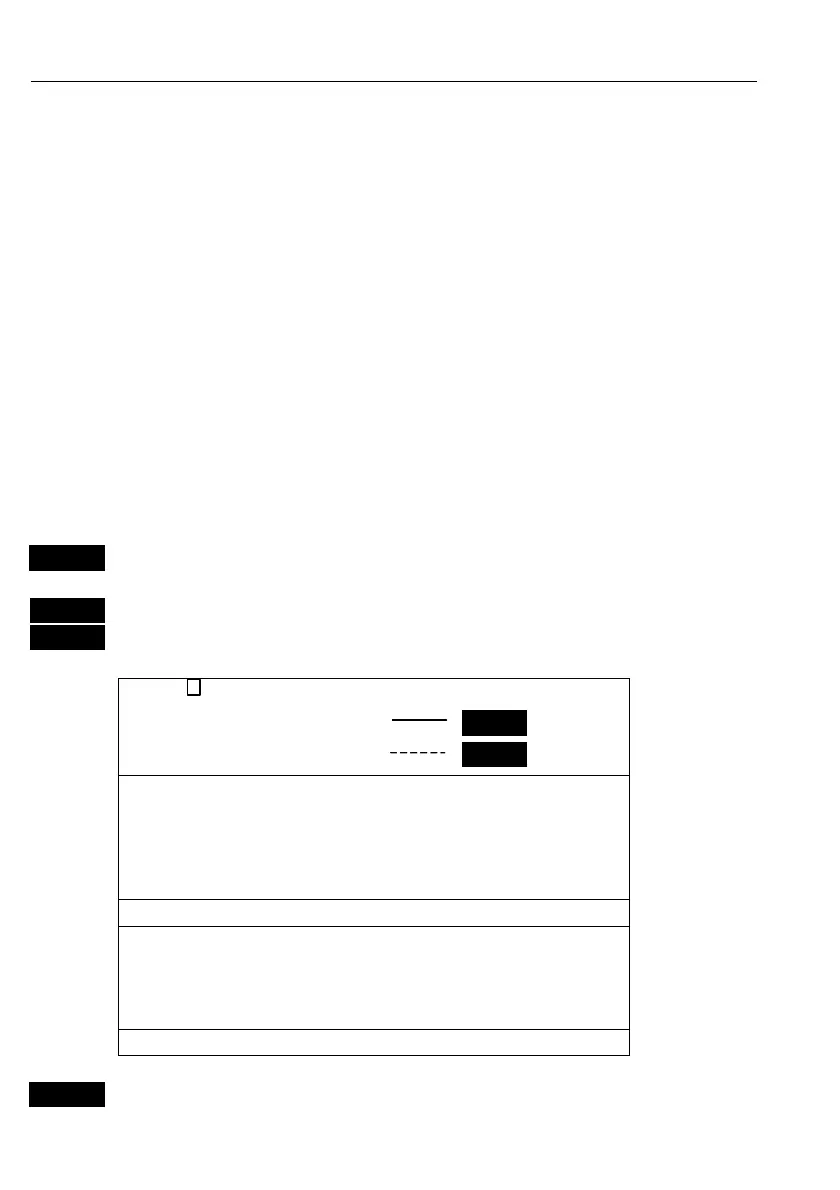
load route display
Route: RTE 37 0005
Course line: ON
XTE line: OFF
1: RHUMBLINE 153° 43.2nm 43.2nm
2: RHUMBLINE 219° 2.9nm 46.1nm
3: RHUMBLINE 34° 34.8nm 80.9nm
4: RHUMBLINE 234° 113.4nm 194.3nm
5: RHUMBLINE 79° 0.2nm 194.5nm
6: RHUMBLINE 112° 23.9nm 218.4nm
7: RHUMBLINE 315° 10.8nm 229.2nm
8: RHUMBLINE 279° 2.3nm 231.5nm
9: RHUMBLINE 5° 13.2nm 244.7nm
Number of points in route: 25
This display
indicates
how many
route points
are in the
route, etc.
+/-
Toggle through the stored routes with the +/- keys, or…



 To Next Page