CP40/50 Waypoint/route menus Chapter 5
53
A-Z
Select route by entering its name (existing route)
Move the cursor up/down to select a specific routepoint
ENT
Call up the Edit route display – if you wish to make any changes.
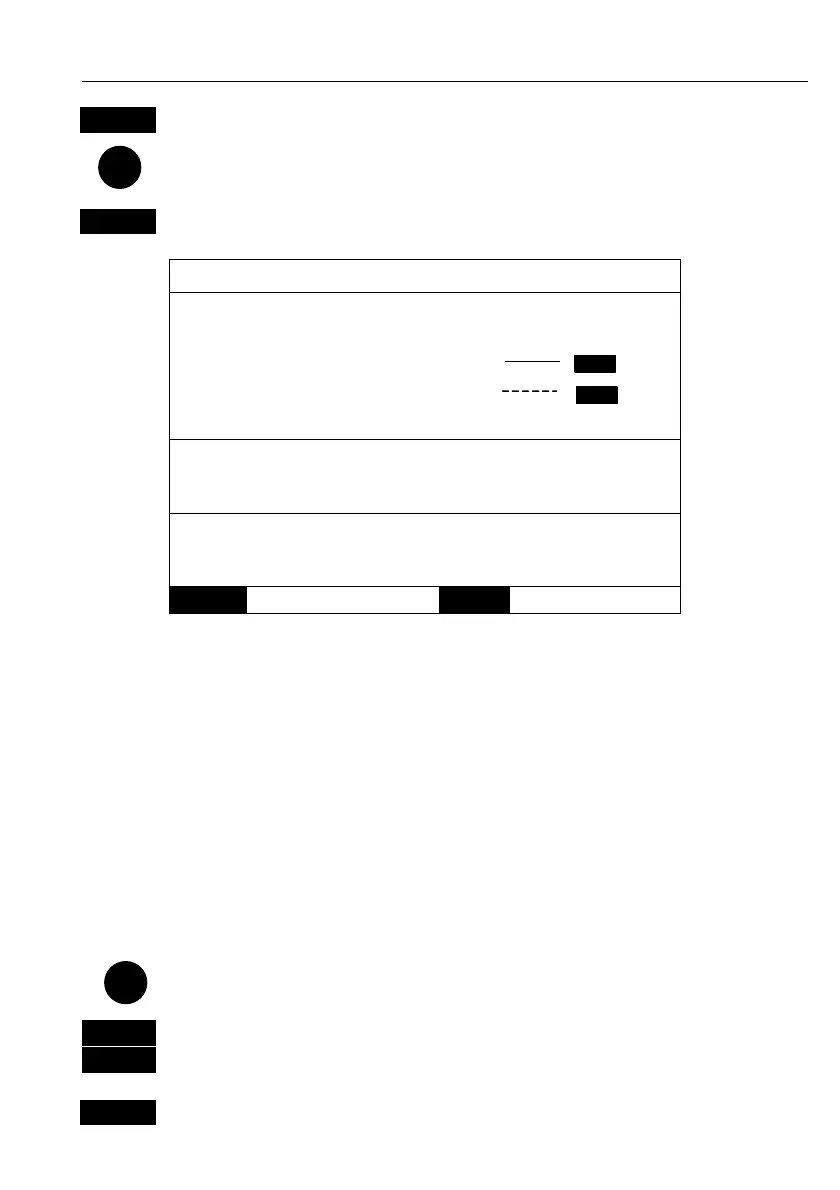
Edit route:
Settings for total route:
Name: RTE 37
Course line: ON
XTE: 0.10nm OFF
Navigation mode: RHUMBLINE
Settings for route leg: 5 – 6
XTE: 00.10nm
Navigation mode: RHUMBLINE
Direction in route: FORWARD
Show route as: NAVIGATION
MENU
Exit
ENT
Accept
Turning “Course line” OFF in the Route display will make the route
invisible on the screen. Put it back on the screen by turning it ON
again. The course line and XTE line can be changed in color – there
are a total of 14 colors to choose from, and 9 different line types.
If the XTE distance is not the same in all legs, the value will be *.*
instead of the 0.10nm. If navigation mode is not the same in all legs in
a route, the mode will be: COMPOSITE.
Show route as: NAVIGATION for navigational data in the route display
(example on the previous page), or POINTS for a list of route points
together with the points’ position in lat/lon and the XTE limit.
Place the cursor on the function you wish to change
0-9
Key in new figures, and…
+/-
toggle between available values
ENT
Confirm entry



 To Next Page