CP40/50 Waypoint/route menus Chapter 5
56
ENT
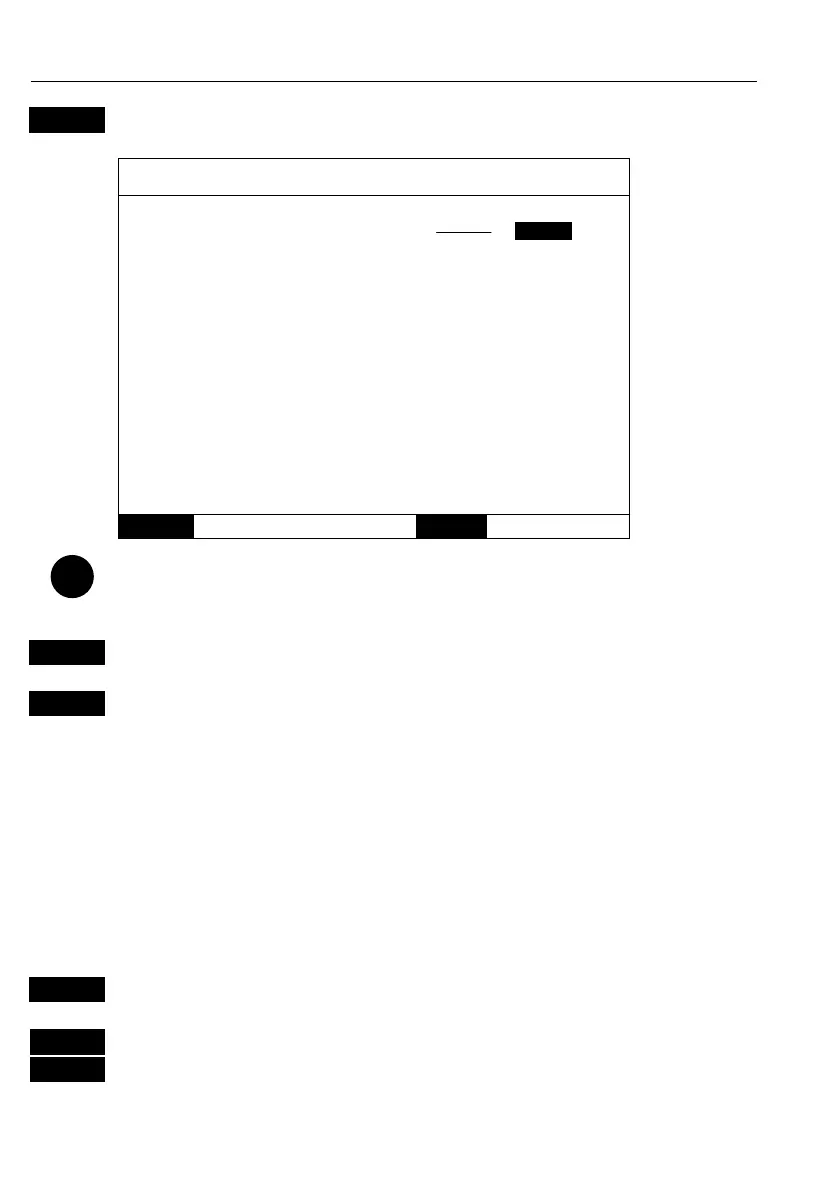
Call up the Edit line display - if you wish to make any changes.
Edit line:
Name: FISHING BORDER
Line: ON
MENU
Exit
ENT
Accept
Turning
“Line” OFF
will make
the line
drawing
invisible on
the screen.
Put it back
on the screen
by turning it
ON again.
Place the cursor on the function you wish to change i.e. name, line type
or color
+/-
Toggle between available values
ENT
Confirm entry
5.5 Start / stop track
To start track function
TRACK
Direct access to ‘Start track’ function, or via the menu:
MENU
Call up the menu bar, and…
3,5
load Start track pop-up window
- see next page.



 To Next Page