Advanced features
Limiting polling access to your fax machine
When you set the passcode, a calling fax which doesn’t “present” the proper pass-
code cannot poll from your fax.
Important: The passcode you use for polling operation is not the same as the pro-
tection passcode (see page 3.49).
Note: If you’re using the Block Junk Fax feature (see pages 3.53–3.54), even
incoming calls which meet the passcode test must come from phone num-
bers you’ve approved.
To set your fax machine’s passcode:
1
Decide on the four-digit passcode (0001–9999) you want to use. Write it down,
and put it in a safe place.
2
Press Program key,
B
,2,1,3,
ENTER
. The
LCD
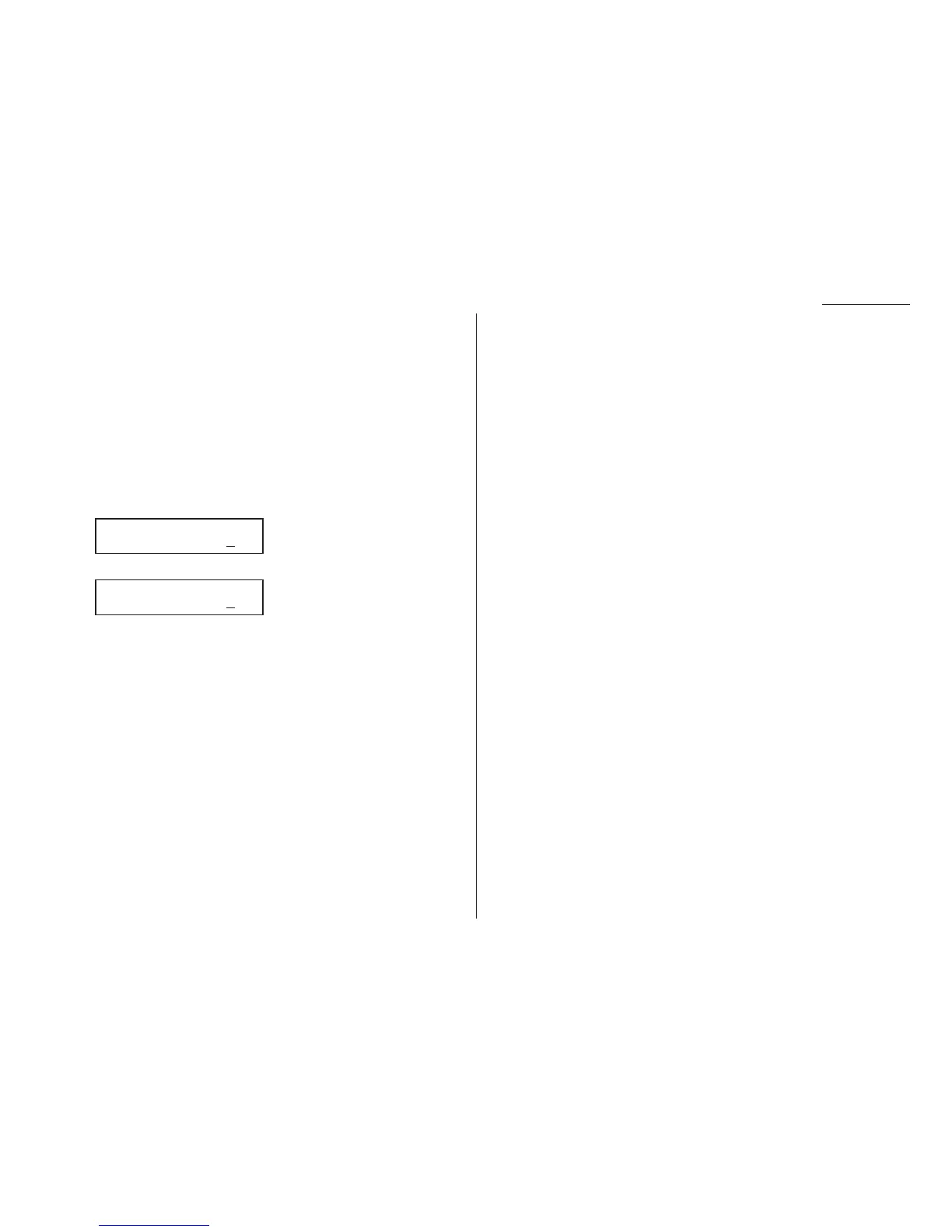
shows the current code:
3
Use the numeric keypad to enter the desired four-digit passcode.
4
Press
ENTER
to save the setting.
Note: To turn off the limiting polling, change the passcode to 0000 by repeating
steps 1–4 and entering 0000 in step 3.
Passcode
Passcode :5
627
Passcode
Passcode :0000
3.15











 To Next Page