Advanced features
3
Press
ENTER
. The
LCD
shows:
4
Use the numeric keypad to enter your F-Code box’s four-digit
I
.
D
. code.
Here we’ve entered 2345:
5
Press
ENTER
.
If you’ve entered an incorrect
I
.
D
. code, your fax machine rejects the attempt
and aborts this operation.
If you’ve entered the correct
I
.
D
. code, the display shows:
6
Use the numeric keypad to enter the file number (1-30) of the document you
want to print. Here we’ve entered 3.
Note: If you want to print all documents stored in the bulletin box, simply
enter 0 (zero).
7
Press
ENTER
.
Your fax machine prints the chosen document(s), then returns to standby
mode.
Note: If the F-Code box is not storing any documents, the machine briefly
displays the following before returning to standby mode:
Erasing a document stored in a bulletin box
To erase a stored document:
1
Press Program key,
D
,2,0,2,
ENTER
The
LCD
shows:
2
Use the numeric keypad to enter the two-digit number (01-50) of the F-Code
bulletin box that stores the document you want to erase. We’ve entered 03:
3
Press
ENTER
. The
LCD
shows:
Note: If the F-Code box is not storing any documents, the machine briefly
displays the following before returning to step 2:
4
Use the numeric keypad to enter your F-Code box’s four-digit
I
.
D
. code.
Here we’ve entered 2345:
5
Press
ENTER
.
If you’ve entered an incorrect
I
.
D
. code, your fax machine rejects the attempt
and aborts this operation.
If you’ve entered the correct
I
.
D
. code, the display shows:
6
Use the numeric keypad to enter the file number (1-30) of the document you
want to erase. Here we’ve entered 3.
Note: If you want to erase all documents stored in the bulletin box, enter 0
(zero).
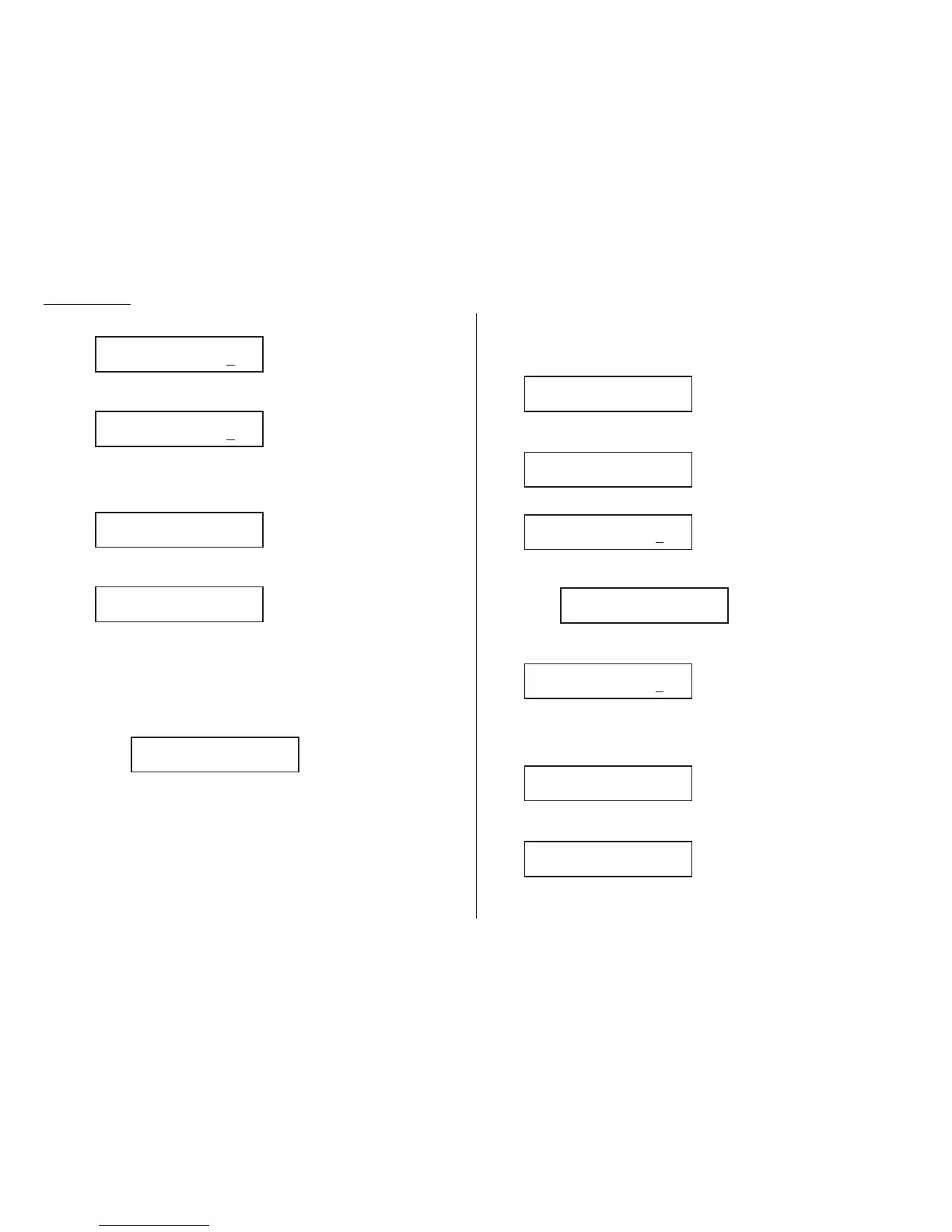
03:F-Code Document
File No. :3_
03:F-Code Document
File No. :_
03:F-Code Document
Enter I.D. Code:2
345
Select F-Code Box
No Document Stored
03:F-Code Document
Enter I.D. Code:****
Select F-Code Box
03:Konica America
Select F-Code Box
01:Konica
03:Select F-Code Box
No Document Stored
03:F-Code Document
File No. :3_
03:F-Code Document
File No. :_
03:F-Code Document
Enter I.D. Code:2345
03:F-Code Document
Enter I.D. Code:*
***
3.30











 To Next Page