Advanced features
14
The
LCD
asks if you want to program additional settings for this one-touch.
If you do not want to program additional settings, press
ENTER
. Go to step 22.
If you do want to program additional settings, press and
ENTER
, then go on
to step 15.
15
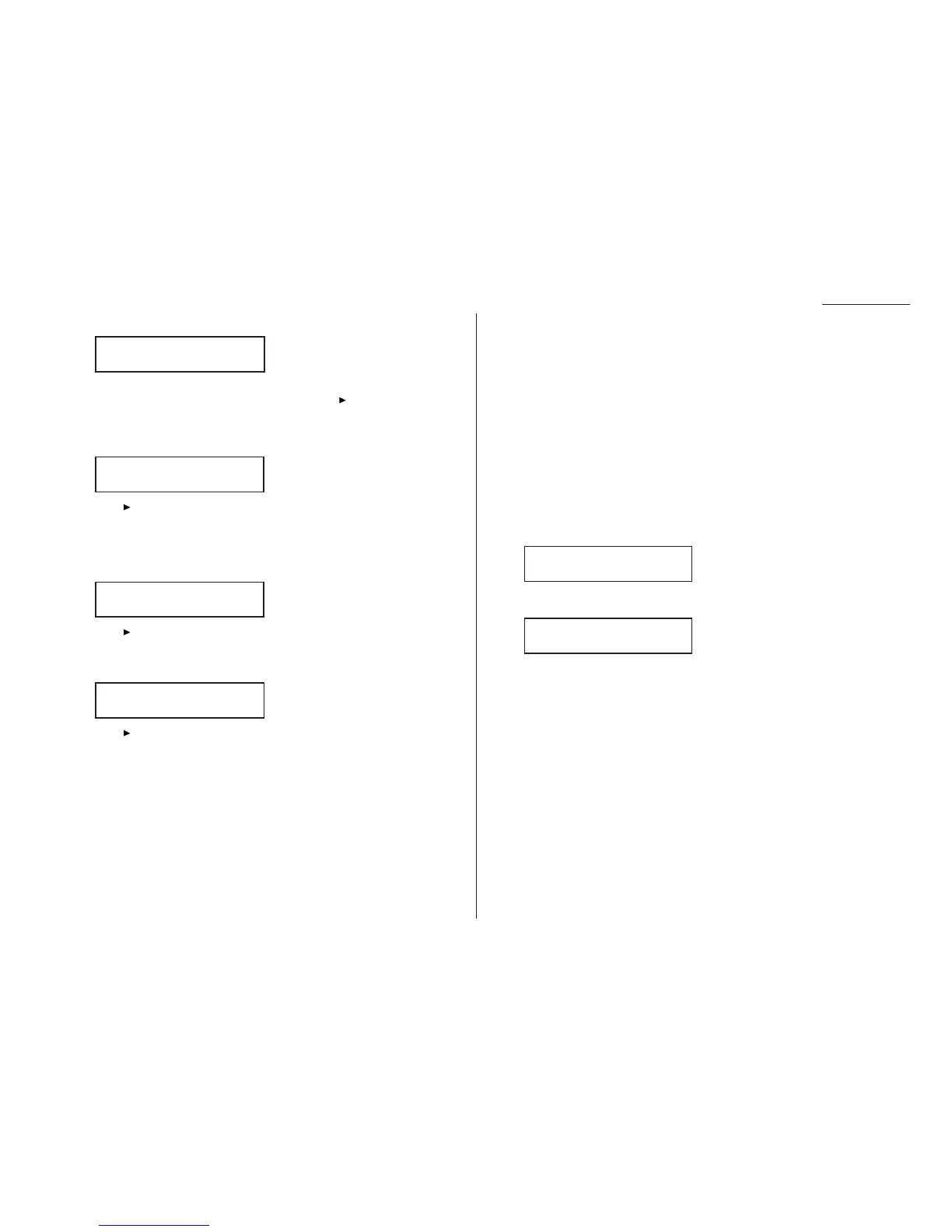
The
LCD
asks which resolution you want each time you use this programma-
ble one-touch number.
16
Press until the mode you want appears.
Note: For any of the following settings, choosing “---” tells the machine to
use its default setting for this programmable one-touch key.
17
Press
ENTER
. The
LCD
asks which contrast mode you want each time you use
this programmable one-touch number.
18
Press until the mode you want appears.
19
Press
ENTER
. The
LCD
asks if you want the Fax & Copy feature on or off each
time you use this programmable one-touch number.
20
Press until the mode you want appears.
21
Press
ENTER
.
22
Press
STOP
to return your machine to standby mode.
Fax dialing with programmable one-touch
To dial a fax call using a programmable one-touch number:
1
Set your document in the
ADF
or on the platen glass.
2
Make any necessary adjustments as usual.
3
If you are using the platen glass, set the document size by pressing
DOCU
-
MENT SIZE
before you press the programmable one-touch key.
4
Press the programmable one-touch key in which you’ve stored the fax commu-
nication command.
Your fax will perform the operation now, or at whatever time you programmed.
Note: To review the details of each operation, review the instructions for that
operation. See page 3.35 for a list of each operation and where to find it.
If you programmed this key to delay its operation, the
LCD
shows:
If you programmed this key to perform the operation immediately after you press it,
the
LCD
shows the number:
Printing a list of your programmable one-touch keys
You fax machine can print a list of the commands you’ve stored in your programma-
ble one-touch keys.
The list includes:
(1) each key’s one-touch number
(2) the fax/telephone number
(3) when the command should start
(4) which command you’ve selected
(5) if applicable, the selected call group(s) or F-Code box(es) you’ve stored in
the key
(6) the individual settings for each key
To print a list of programmable one-touch keys, press Program key,
E
,1,0,8,
ENTER
.
9-1-972-555-4335
A4 Normal
** Reserved **
11 Jul 2002 17:17
Fax & Copy :---
/
/Enter
Contrast :-------
/
/Enter
Resolution :------
/
/Enter
Option :Off
/
/Enter
3.47










 To Next Page