KTD-N0882-I Page 91 BIOS - Advanced
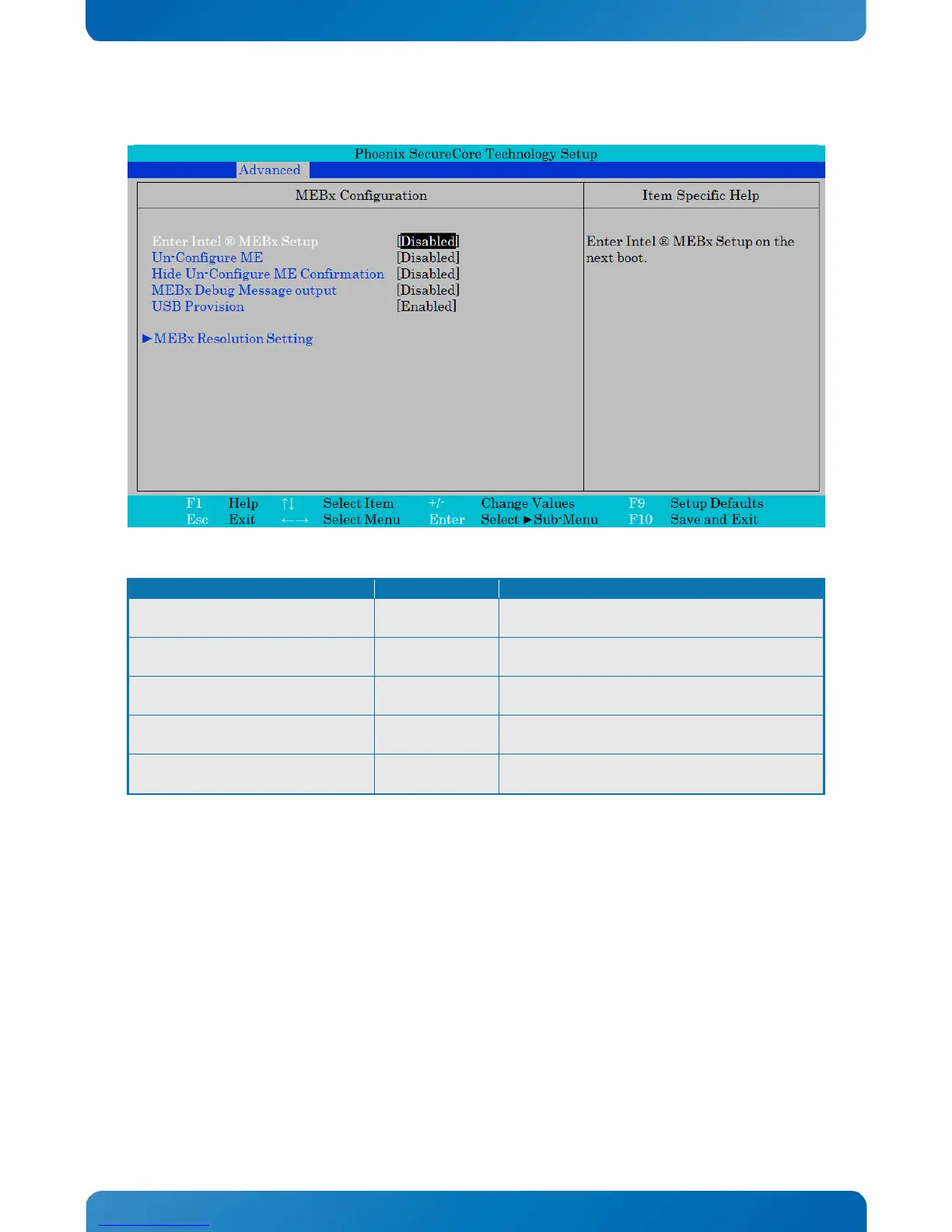
Phoenix SecureCore Technology Setup
MEBx Configuration Item Specific Help
Enter Intel ® MEBx Setup
Un-Configure ME
Hide Un-Configure ME Confirmation
MEBx Debug Message output
USB Provision
►MEBx Resolution Setting
[Disabled]
[Disabled]
[Disabled]
[Disabled]
[Enabled]
Enter Intel ® MEBx Setup on the
next boot.
Enter Intel ® MEBx Setup on the next boot.
Un-Configure ME
Un-Configure ME without a password.
Hide Un-Configure ME Confirmation
Hide Un-Configure ME Confirmation without
password Confirmation Prompt.
MEBx Debug Message output
Enable/Disable MEBx Debug Message output.
USB Provision
Enable/Disable USB Provision function.



 To Next Page