mITX-DNV - User Guide, Rev. 1.0
www.kontron.com
// 27
6.2. Ethernet Connectors (CN18, CN19 & CN20)
The mITX-DNV supports six channels of 10/100/1000 Mbit Ethernet, which are based Intel® I210-AT (LAN1 & LAN2
(CN18)) and Marvell® 88E1543 (LAN3 & LAN4 (CN19), LAN5 & LAN6 (CN20)) controllers respectively.
In order to achieve the specified performance of the Ethernet port, Category 5 twisted pair cables must be used with
10/100 MByte and Category 5E, 6 or 6E with 1 Gbit LAN networks.
The signals for the Ethernet ports are as follows:
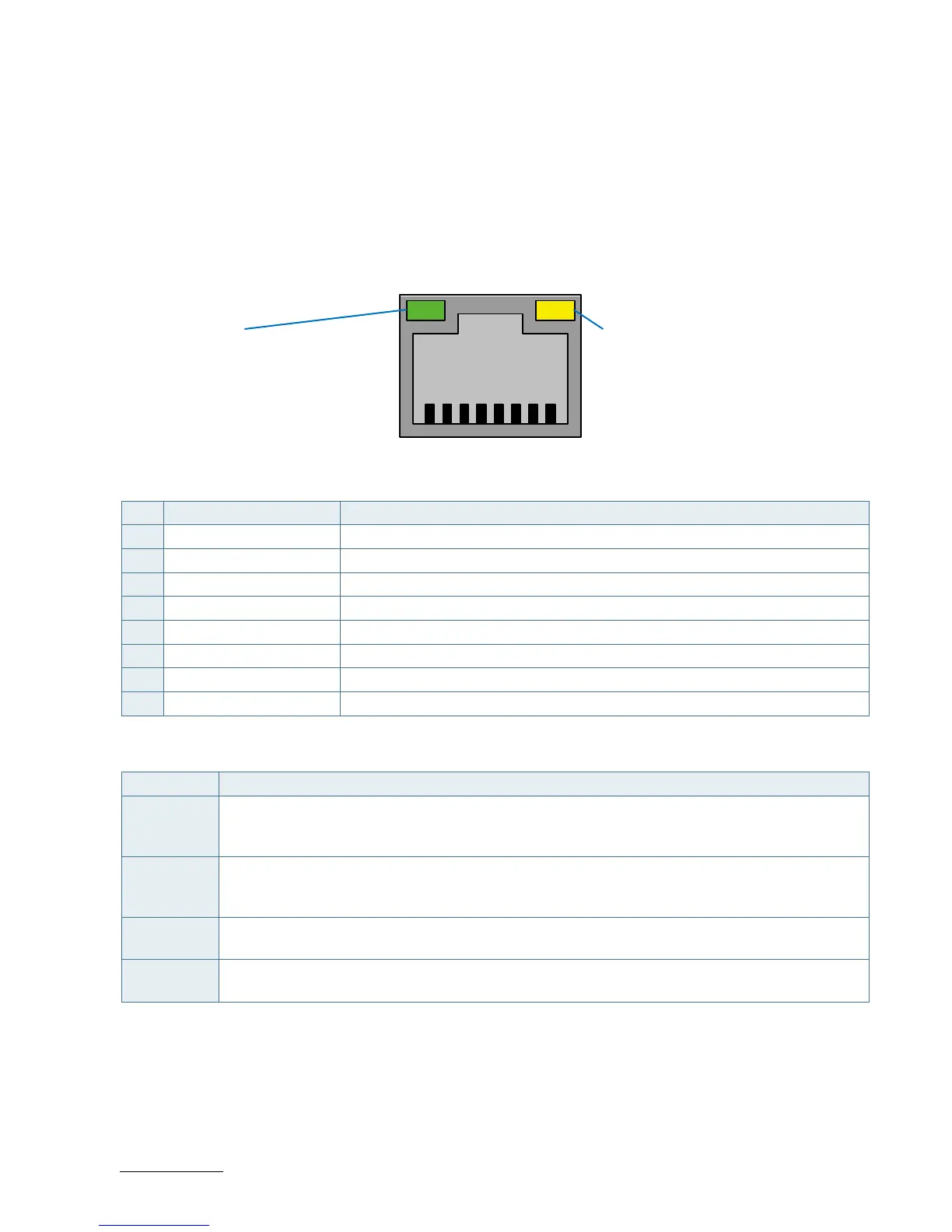
Figure 5: Ethernet Connectors CN18, CN19, CN20
8 7 6 5 4 3 2 1
Table 12: Pin Assignment Ethernet Connectors CN18, CN19, CN20
Pin Signal Note
1 MDI[0]+
2 MDI[0]-
3 MDI[1]+
4 MDI[1]-
5 MDI[2]+
6 MDI[2]-
7 MDI[3]+
8 MDI[3]-
Signal Description
Signal Description
MDI[0]+ /
MDI[0]-
In MDI mode, this is the first pair in 1000Base-T, i.e. the BI_DA+/- pair, and is the transmit pair in
10Base-T and 100Base-TX. In MDI crossover mode, this pair acts as the BI_DB+/- pair, and is the
receive pair in 10Base-T and 100Base-TX.
MDI[1]+ /
MDI[1]-
In MDI mode, this is the second pair in 1000Base-T, i.e. the BI_DB+/- pair, and is the receive pair in
10Base-T and 100Base-TX. In MDI crossover mode, this pair acts as the BI_DA+/- pair, and is the
transmit pair in 10Base-T and 100Base-TX.
MDI[2]+ /
MDI[2]-
In MDI mode, this is the third pair in 1000Base-T, i.e. the BI_DC+/- pair. In MDI crossover mode, this
pair acts as the BI_DD+/- pair.
MDI[3]+ /
MDI[3]-
In MDI mode, this is the fourth pair in 1000Base-T, i.e. the BI_DD+/- pair. In MDI crossover mode, this
pair acts as the BI_DC+/- pair.
'MDI' – media dependent Interface
LED satatus:
Orange - 1000 Mbit/s link established
Green - 100 Mbit/s link established
Off - 10 Mbit/s link established
LED satatus:
Off - Link is down
Flasing Green - Link is up and active
Steady Green - Link is up, no activity



 To Next Page