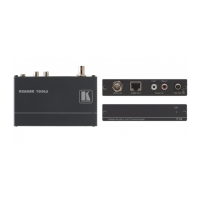
TP-590Rxr - Protocol 3000
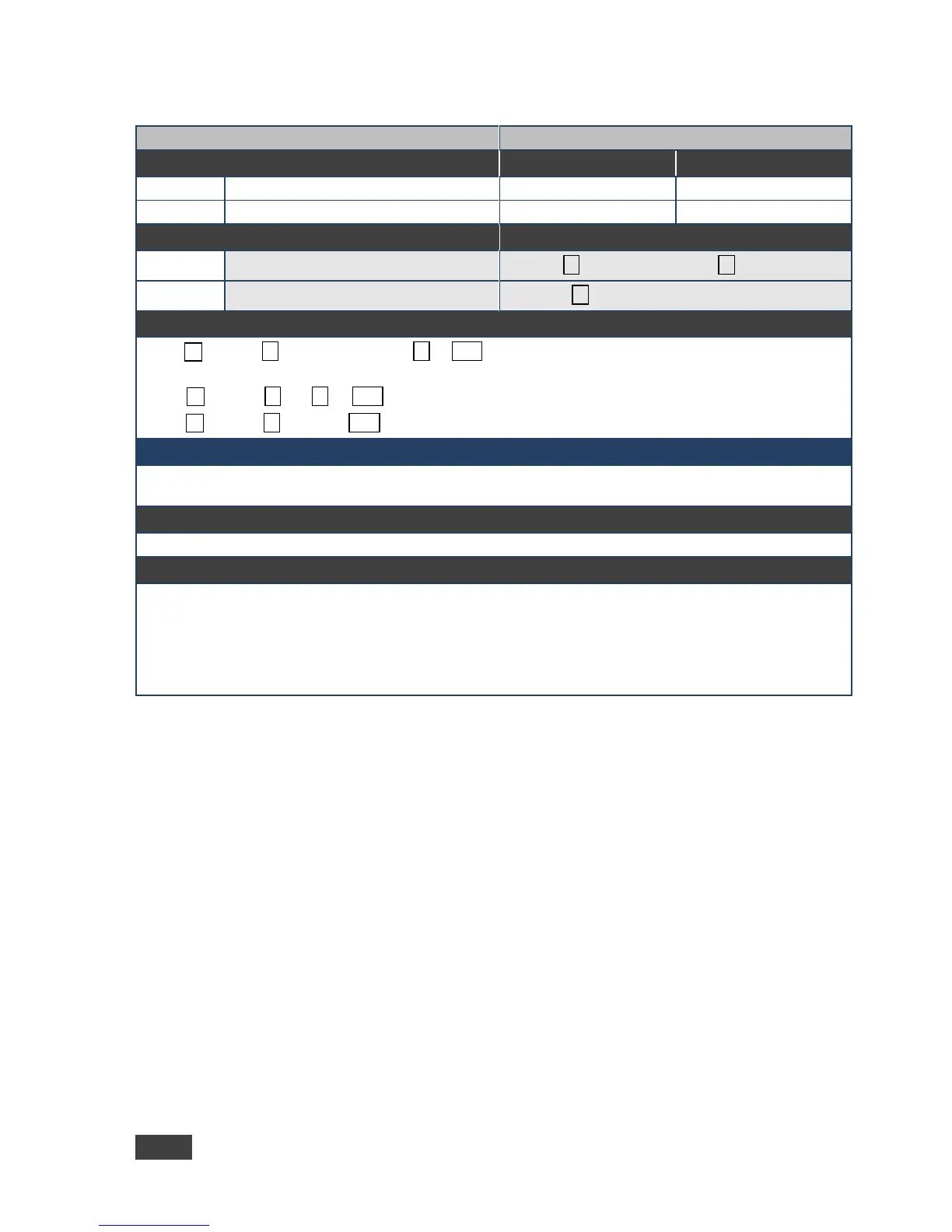
Command Type - Authentication
#LOGIN␠login_level, password␍
Get current protocol permission level
Set: ~nn@LOGIN␠login_level,password␠ OK␍␊
or
~nn@LOGIN␠ERR␠ 004␍␊ (if bad password entered)
Get: ~nn@LOGIN␠login_level␍␊
login_level - level of permissions required (End User or Admin)
password - predefined password (by PASS command). Default password is an empty string
For devices that support security, LOGIN allows to the user to run commands with an End User or
Administrator permission level
In each device, some connections can be logged in to different levels and some do not work with security at
all
Connection may logout after timeout
The permission system works only if security is enabled with the “SECUR” command



 To Next Page