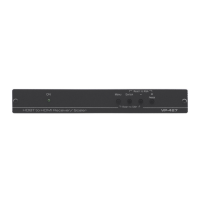
TP-590Rxr - Getting Started
2 Getting Started
We recommend that you:
• Unpack the equipment carefully and save the original box and packaging
materials for possible future shipment
• Review the contents of this user manual
Go to http://www.kramerav.com/downloads/TP-590Rxr to check for up-to-
date user manuals, application programs, and to check if firmware
upgrades are available (where appropriate).
2.1 Achieving the Best Performance
To achieve the best performance:
• Use only good quality connection cables (we recommend Kramer high-
performance, high-resolution cables) to avoid interference, deterioration in
signal quality due to poor matching, and elevated noise levels (often
associated with low quality cables)
• Do not secure the cables in tight bundles or roll the slack into tight coils
• Avoid interference from neighboring electrical appliances that may adversely
influence signal quality
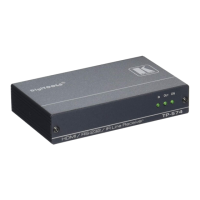
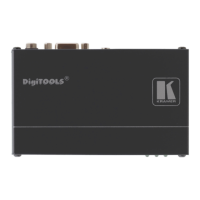
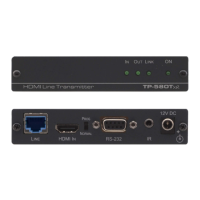
• Position your TP-590Rxr HDMI Line Receiver away from moisture,
excessive sunlight and dust
This equipment is to be used only inside a building. It may only be
connected to other equipment that is installed inside a building.
There are no operator serviceable parts inside the unit
Use only the power cord that is supplied with the unit
Disconnect the power and unplug the unit from the
wall before installing


 To Next Page