Selecting Resolution
To select the resolution:
1. In the Navigation pane, click Device Settings. The Device Settings page appears.
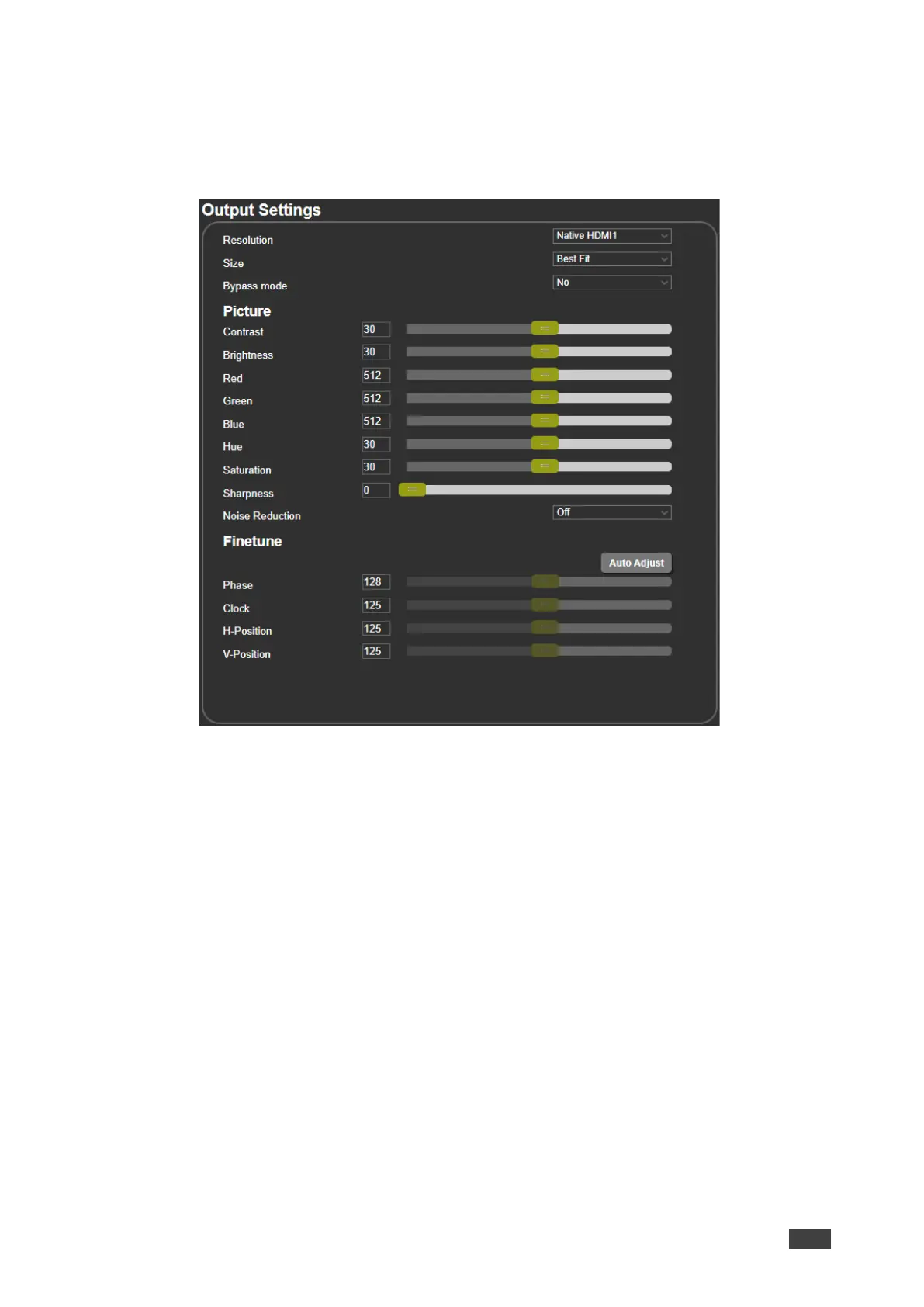
Figure 20: Output Settings Page
2. Open the drop-down box next to Resolution to select the output resolution.
Output resolution is selected.
Setting Image Size on the Display
To set the image size:
1. In the Navigation pane, click Output Settings. The Output Settings page appears.
2. Open the drop-down box next to Size to set the image size.
Image size is set.



 To Next Page