12
Operation - Drilling Pocket Holes
1
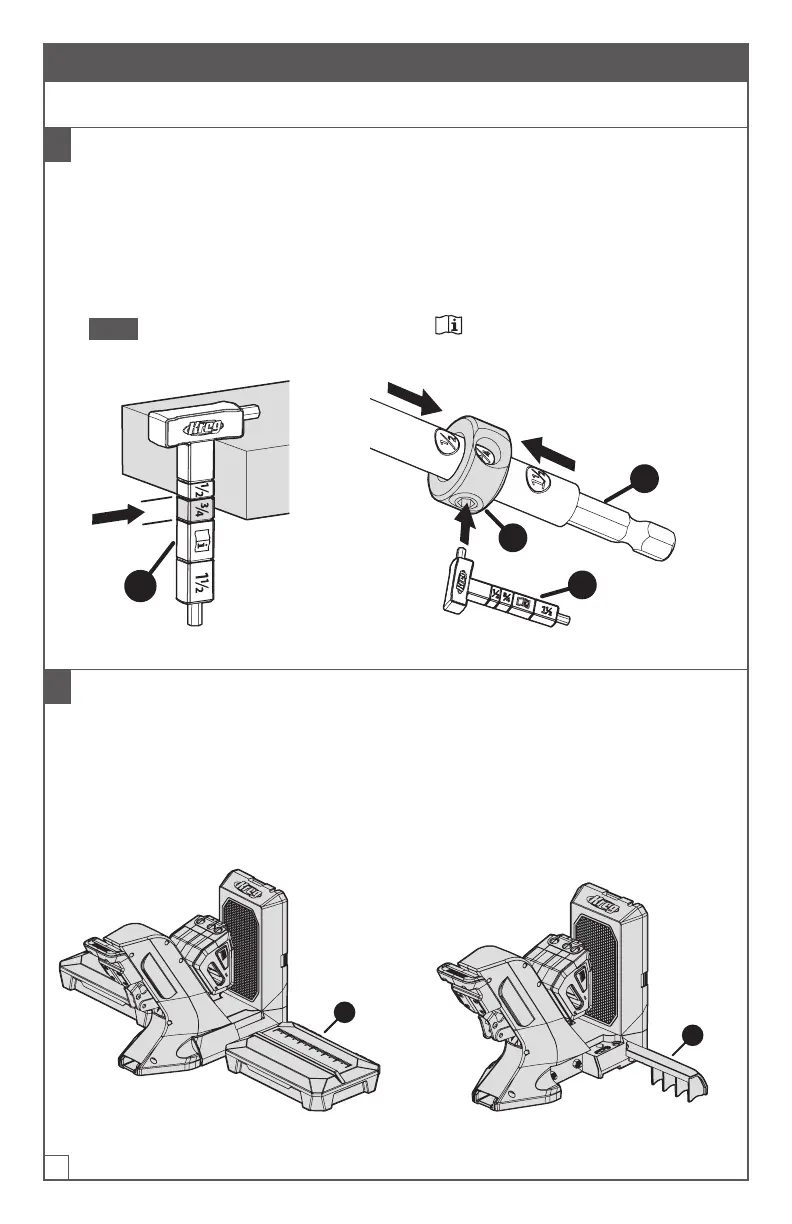
Determine the Material Thickness and Set the Stop Collar
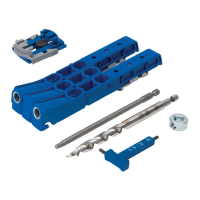
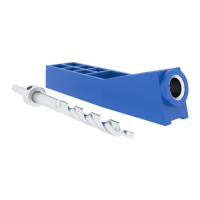
a. Use the material thickness gauge (D) to determine the material thickness range.
b. Set the stop collar (F) by placing it on the drill bit (E) and aligning the window of
the stop collar (F) with the measurement thickness range determined in stepa.
c. Use the hex wrench built into the material thickness gauge (D) to lock the stop
collar (F) into place on the drill bit (E).
Note If your material thickness falls in the range, use the same setup
techniques as the 3/4" range with a 1-1/2" screw.
D
E
F
D
2
If applicable: Stabilize the Jig
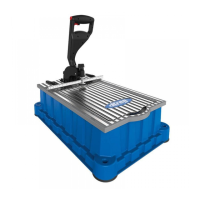
■ If you are using the docking station: Fold both material support wings
down to their horizontal position (1).
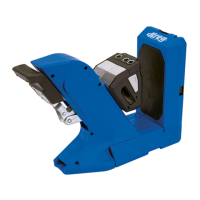
■ If you are not using the docking station: You can rotate one or both of the
jig’s extension wings (2) out from the jig base to provide additional stability, if
desired.
1
With docking station: Material
support wings folded down
2
Without docking station: Extension
wings rotated out


 To Next Page