Servicing the Timeclock
Series 4000 Badge Timeclock User’s Guide 4-31
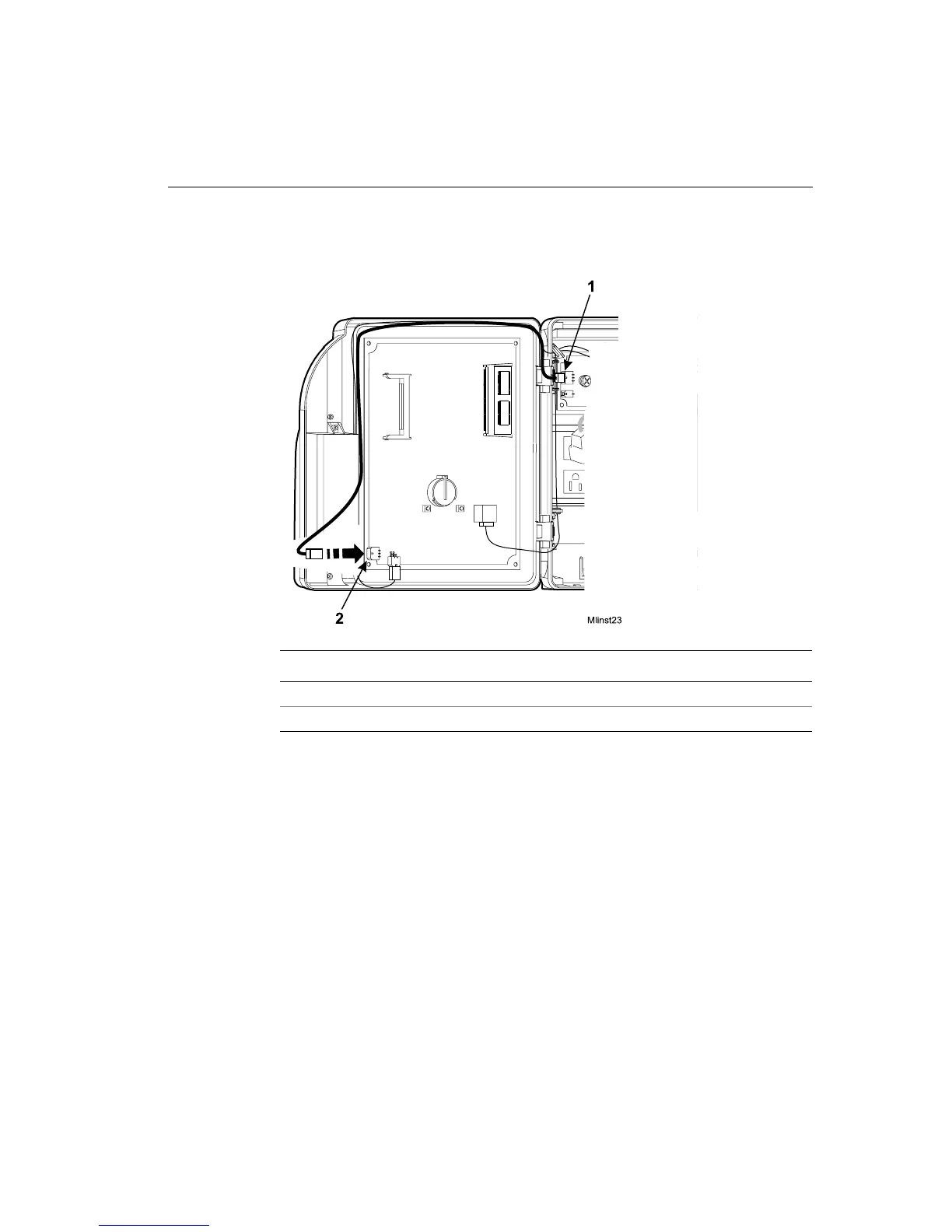
13. Route the charger board cable back to its connection on the main board and
plug in the cable.
14. Plug the transformer back into the AC power source.
15. Test the battery backup by watching the amber LED on the front of the Series
4000 timeclock. When you remove AC power while the battery backup option
is installed, the amber LED flashes on and off, indicating that the timeclock is
being powered by battery. When you restore AC power, the LED lights
continuously.
Number Description
1 Battery charger board cable
2 Charger board connection to the main board



 To Next Page